
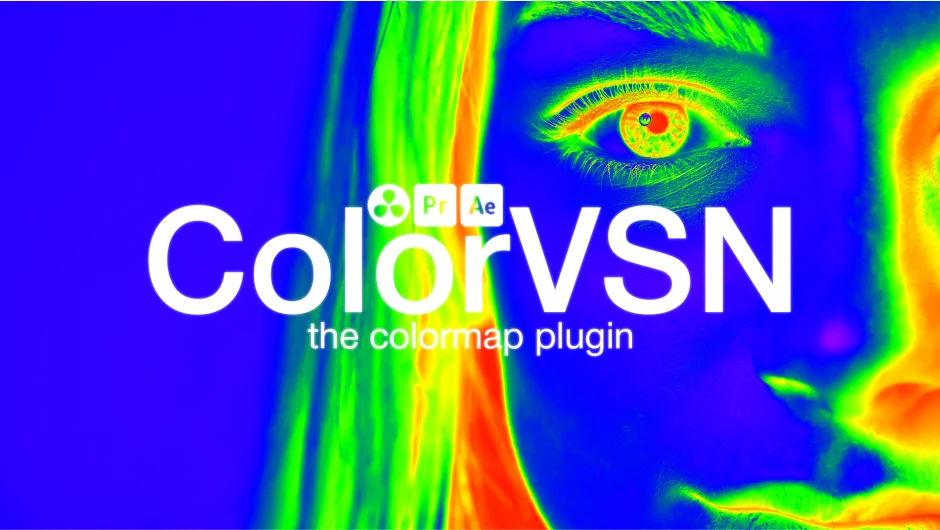
What It Does
ColorVSN applies colormap styles to video footage inside Premiere Pro, After Effects, and DaVinci Resolve. The core idea is borrowed from scientific visualization: colormaps map intensity values to specific color ranges, which can transform flat or grayscale footage into something with a distinct palette. Beyond data visualization, the plugin works as a color grading tool, giving editors a quick way to apply a consistent tonal look to a clip.
Key Features
22 colormaps. The plugin ships with 22 distinct colormap presets, each mapping luminance values to a different color range. Useful for creating heat-map aesthetics, stylized looks, or visualizing depth and motion data.
Greyscale visualization. Works especially well on greyscale source material, mapping the full tonal range to color. Practical for things like drone thermal footage, medical imagery, or stylized monochrome shots.
5 blend modes. Blend modes let you composite the colormap effect over the original footage rather than replacing it entirely, giving you control over how strongly the colormap reads against the underlying image.
Who It’s For
ColorVSN suits editors and motion designers who want a quick, distinctive look on footage without building it from scratch. It’s particularly useful for anyone working with grayscale or single-channel data visualizations, scientific or technical video content, or stylized projects where a non-standard color palette is part of the creative direction.
Pricing
ColorVSN is a one-time purchase at $24.99 on aescripts.com. A free trial is available for download before buying. Compatible with Premiere Pro 2023 through 2026, After Effects 2023 through 2026, and DaVinci Resolve 17 through 21. Windows and macOS are supported for Premiere Pro and After Effects; DaVinci Resolve support is Windows only.