
What It Does
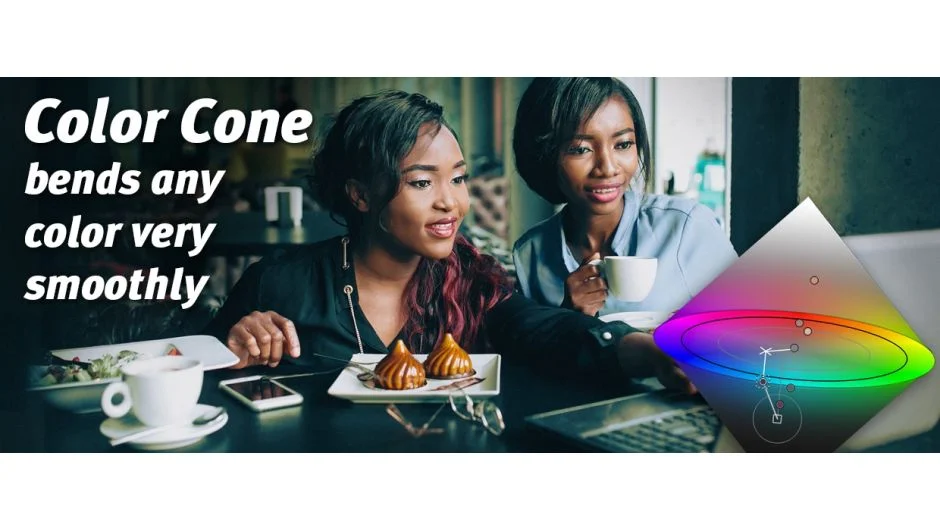
Color Cone is a color correction and look-creation plugin from Picture Instruments. Rather than using the common HSV color model, it works in HCL (Hue, Chroma, Lightness), visualized as a bicone shape. The practical advantage is that pure blacks and whites carry no chroma in this model, which makes color adjustments more predictable and avoids the artifacts that can appear with HSV-based tools.
You define control points on the image, each with a source color, a target color, and a radius. A tight radius limits the effect to very specific hues; a wider radius lets a single point influence a broader range of surrounding colors, useful for creating an overall atmospheric look. Picture Instruments’ Color Warp technology handles the math behind these transitions, keeping even drastic hue shifts smooth rather than posterized, including in 8-bit footage.
Key Features
Color Warp technology. Transforms source colors to target colors smoothly, even when the shift is dramatic. Avoids banding and rough edges that often appear when pushing 8-bit images.
Control point system. Each point has an independently adjustable radius, so you can make targeted corrections (say, pulling a specific skin tone back into range) alongside broader atmospheric grading in the same pass.
Auto-Radius function. When multiple control points overlap, their radii can cancel each other out. The auto-radius feature detects and avoids this, keeping all points active as intended.
Skin tone restoration. Designed specifically to help recover skin tones that were accidentally tinted during shooting under mixed lighting.
Host-native integration. Runs as an effect inside Premiere Pro rather than launching a separate application. All parameters are keyframeable just like native effects, settings save with the project, and you can store presets within the host.
LUT export and cross-host presets. Added in version 2.7.0, you can export your corrections as a LUT and share presets across After Effects, Premiere Pro, Final Cut Pro, and Photoshop.
Who It’s For
Color Cone suits editors and colorists who want targeted, mathematically grounded color control rather than broad wheel-and-curve adjustments. It is particularly useful for fixing mixed white balance across a sequence, recovering skin tones from tinted footage, or building a consistent look that can be exported as a LUT for reuse. Because it runs as a native effect in Premiere Pro, it fits naturally into a standard editing timeline without round-tripping to a separate application.
A free trial is available directly from the aescripts page.
Pricing
Color Cone is a one-time purchase at $179, which covers After Effects and Premiere Pro together (Final Cut Pro and Photoshop are separate add-ons at additional cost). No subscription is required. Upgrade pricing is available for existing customers when logged in.