
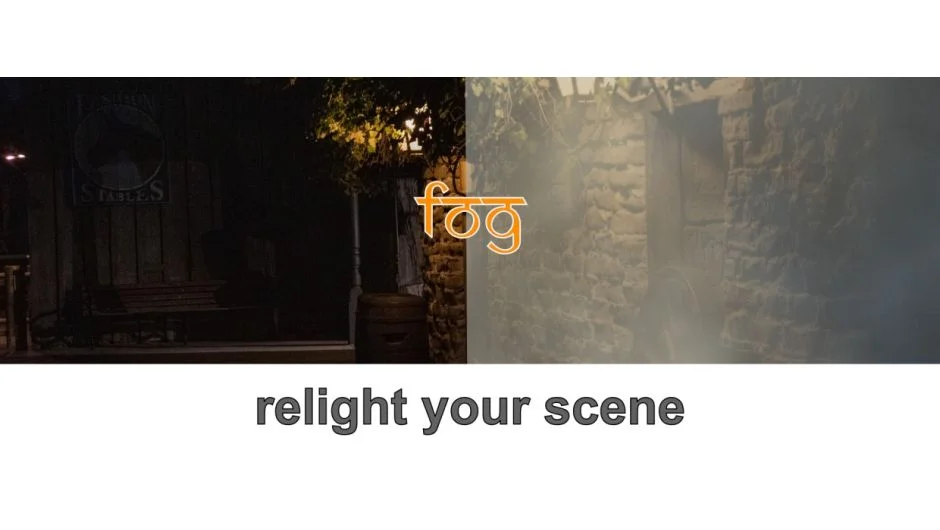
What It Does
Fog by Prosya generates procedural atmospheric effects directly in Premiere Pro and After Effects. Apply it as an adjustment layer above your footage and get instant fog, diffusion, god rays, scattering, dispersion, and mist without building a 3D comp or manually animating noise layers.
The core use case is relighting flat or lifeless footage. A wide shot that reads as bland and two-dimensional can gain perceived depth and mood through fog density variation and light scattering. It works on any 2D video or photo, making it practical for a wide range of projects from narrative color work to photo animation.
Key Features
Fog shape and diffusion. Rather than just overlaying a noise texture, Fog generates actual diffusion, which reduces the clarity of objects based on simulated atmospheric depth. This is meaningfully different from using a noise generator.
God rays. Procedural volumetric light rays can be added and animated. The god rays respond to the light source direction you set, making them look physically plausible rather than composited.
Scattering and dispersion. Light and shadow regions of your image can receive different fog colors via scattering. Dispersion adds color variation based on the view vector relative to the light source.
Mist. Reduces chromaticity in obscured regions, desaturating areas covered by fog in a way that mimics real atmospheric moisture.
Variable density. Different areas of a landscape can carry different fog density, letting you fake depth layers within a single flat image.
Depth map support. For more controlled results, you can feed in a depth map to drive fog placement. Fog also reacts to an After Effects 3D camera if you’re working in AE.
Performance. Rendering uses all available CPU cores, so previews stay reasonably fast even on complex setups.
Who It’s For
Fog is aimed at editors and compositors who need to add atmospheric depth to footage quickly. It’s useful for:
- Narrative colorists adding mood to outdoor or period scenes
- Motion designers animating still photos with environmental life
- VFX artists blocking in atmospheric haze before final comp
- Editors relighting flat drone or stock footage to match a specific look
It works in Premiere Pro as an effect applied via adjustment layer, so you don’t need to round-trip to After Effects for basic fog work.
Pricing
Fog is a one-time purchase at $49.95 for a Single User License, which covers installation on up to two computers under the same user account. Floating Server and Render-Only licenses are also available at different price points. A free trial is available from the aescripts product page.