
What It Does
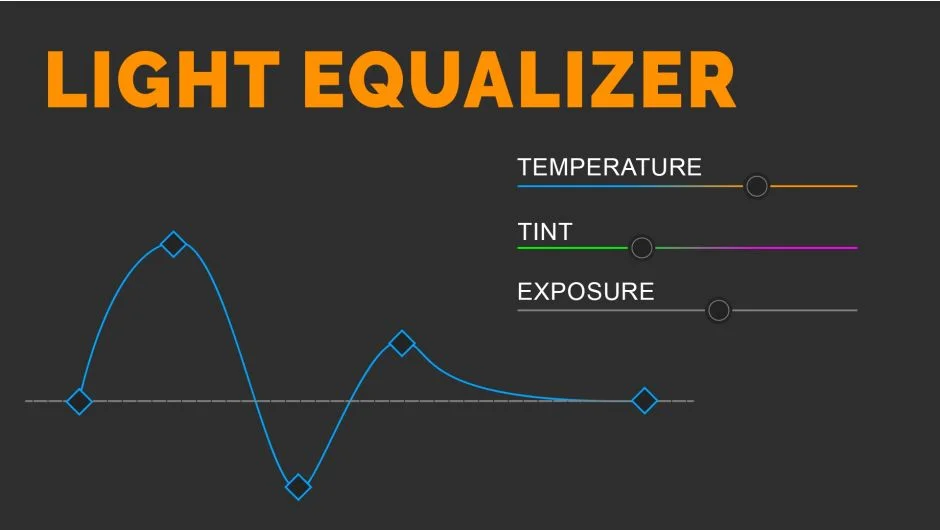
When shooting outdoors in manual mode, ambient light changes can cause exposure and white balance to drift across a clip. Fixing this frame by frame is tedious work. Light Equalizer analyzes your footage and automatically sets keyframes on the Lumetri Effect’s exposure, temperature, and tint controls to compensate for those fluctuations.
The result is a clip where brightness and color temperature stay consistent without manual keyframing.
Key Features
Automatic Lumetri keyframing. The extension reads your clip’s luminance and color data, then places keyframes directly on the Lumetri Effect. You get a corrected clip without touching the timeline manually.
Exposure, temperature, and tint correction. All three parameters are handled together, so a shot that gets both brighter and cooler mid-clip can be corrected in one pass.
Broad Premiere Pro compatibility. Works with Premiere Pro 2020 through 2025.
Multilingual support. Version 1.0.2 added support for German, French, Spanish, Italian, Japanese, and Chinese interfaces.
Who It’s For
Most useful for documentary shooters, run-and-gun videographers, and event cinematographers who record outdoors in manual mode. It also helps with any footage where automatic camera settings caused visible exposure or white balance jumps mid-clip. A free trial is available via aescripts.com before purchasing.
Pricing
One-time purchase at $19.90 for a single-user license. A floating server license option is also available. A free trial can be downloaded from the product page.