
What It Does
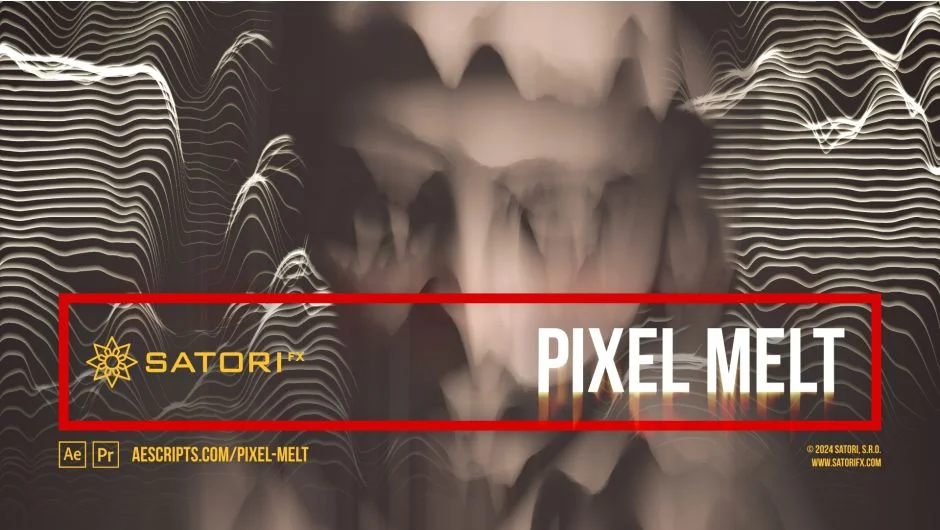
Pixel Melt is a plugin by Satori that treats each pixel in a frame independently, assigning velocity and spread values based on brightness. The result is a directional melt or pixel-stretch effect where brighter pixels move faster and stretch further than darker ones. Unlike a cumulative scanline stretch, pixels here overlap each other as they move, which produces a distinct layered, melting look rather than a smeared one.
It works in both After Effects and Premiere Pro, from CS6 through 2025, on Windows and macOS including Apple Silicon.
Key Features
Pixel Melt Intensity. The master control for the effect, animatable from 0 to 100%. At 0% nothing moves; at 100% the full melt as defined by your Melt Step and curve settings is applied. This is the primary parameter to keyframe for a melt-in or melt-out animation.
Melt Step. Defines how far along the simulation is, acting as a multiplier for Velocity and Spread. High values with high Spread settings can push pixel lengths into the thousands, which creates dramatic results but comes with a real performance cost. The plugin warns against pushing Melt Step to its maximum of 16384 with Spread above 0.25.
Velocity and Spread Curves. Separate curve editors let you remap pixel brightness to velocity and stretch amount independently. You can invert the relationship, add a floor value, smooth discontinuous curves, or offset with a Phase parameter. This gives you precise control over which tones melt and how far they travel.
Shading options. Stretched pixels can be rendered as a plain solid color or with one of four shading modes: Sine Wave, Triangle Wave, Linear Ramp Up, or Linear Ramp Down. An animatable Shading Phase parameter adds motion within the stretched pixels themselves.
Scanline Modulation. A separate section lets you modulate the starting position of scanlines perpendicular to the melt direction using math functions (Sine Wave, Triangle Wave, Linear Ramp, Half Phase). This introduces a wavy or staggered pattern to the scanline origins, useful for glitch-style looks.
Velocity and Spread Intensity Sources. You can feed a separate input layer as a velocity mask or spread mask, decoupling the melt behavior from the actual image content. This is useful when you want precise control over which areas of the frame melt regardless of their brightness.
Screen controls. Options include Wrap (pixels reappear from the opposite edge), Output Continuity (fill gaps in the output with a few different modes), Fullscreen Stretch (rescale the melted result back to fill the frame), and Fade Start/End to dim the beginnings and ends of scanlines.
Multi-Frame Rendering support. Compatible with Premiere Pro and After Effects multi-frame rendering, which helps with longer render queues.
Who It’s For
Pixel Melt is aimed at editors and motion designers who want animated pixel distortion effects, particularly glitch aesthetics, VHS-style degradation, or abstract melt transitions. It’s also practical for title card treatments where text or imagery appears to melt or dissolve directionally. The curve-based controls make it flexible enough for subtle scanline accents or full-frame melt simulations.
Note that the plugin does not use GPU acceleration, so render times on complex settings can be significant.
Pricing
Pixel Melt is a one-time purchase at $41.99, sold via aescripts.com. A free trial is available. The Single User License covers installation on up to two computers for one person. Floating server licenses and render-only licenses are also available.