
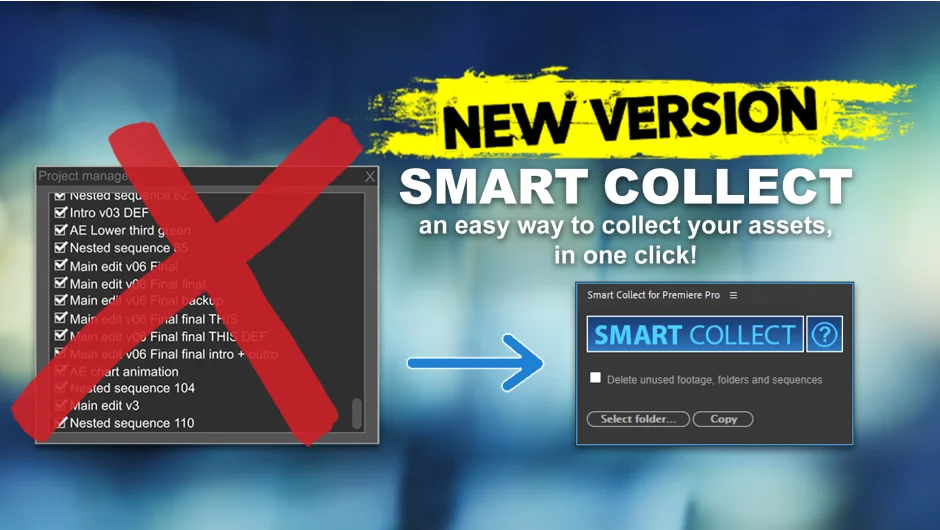
What It Does
Premiere Pro’s native Project Manager has a well-known gap: it misses media used inside nested sequences. On a complex project with sequences nested inside sequences, that means manually tracking down every clip yourself. Smart Collect fixes this by recursively scanning your selected timeline and all nested timelines, copying only the media that’s actually used, and relinking the saved project copy to those new files automatically.
The folder structure it creates on disk mirrors your Premiere project panel, so you can re-import assets later without any manual reorganization.
Key Features
Nested sequence support. The main reason to use this over Project Manager. Smart Collect traverses nested sequences automatically, no matter how deep, so nothing gets left behind.
Automatic relinking. After copying assets to the destination folder, it saves a new project copy and relinks all clips to the copied files. You end up with a fully portable project.
Mirrored folder structure. Copied assets are organized to match your Premiere project panel structure, making the archived project easy to navigate or hand off to another editor.
Project shrinking. Unused assets and timelines can be deleted from the project copy, reducing its size for archiving or delivery.
Multiple sequence collection. A later update added support for collecting multiple sequences in one pass.
Limitations Worth Knowing
A couple of file types have scripting restrictions in Premiere Pro that affect what Smart Collect can do automatically.
- After Effects imported projects cannot be relinked by the script. Smart Collect generates a log file with the paths so you can relink them manually.
- Essential Graphics templates are copied but not relinked automatically. Again, a log file is generated pointing to the copied template location.
Both cases generate reminder popups at the end of the process so you don’t forget to handle them.
Who It’s For
Anyone who regularly delivers project archives, hands off edits to other editors, or needs to back up only the media tied to a specific cut. Particularly useful on projects with heavy nesting, where Project Manager falls short.
Pricing
One-time purchase at $18.90. No subscription. A free trial is available on the aescripts product page.