
What It Does
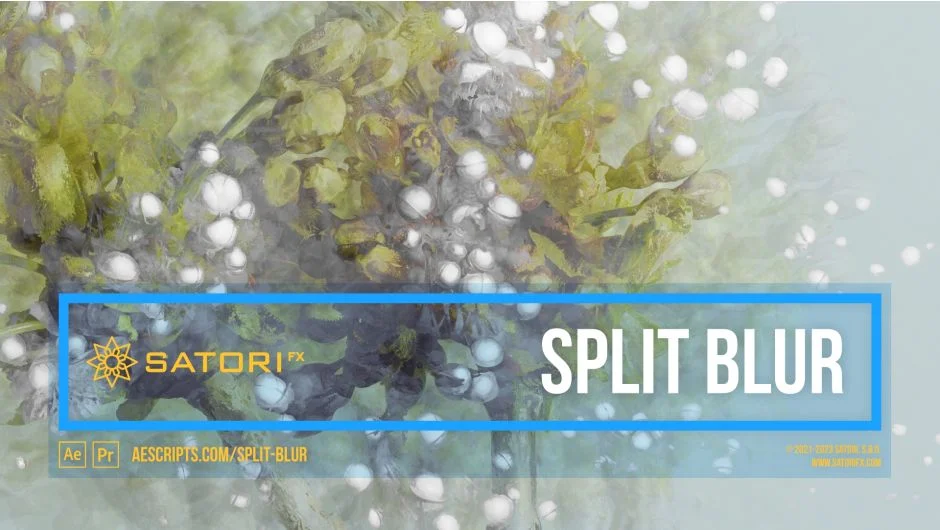
Split Blur takes an image and splits it into multiple blended copies of itself, with the distance between splits calculated dynamically from each pixel’s luminosity. At low settings it behaves like a standard Gaussian blur, but push it further and it transforms into a kaleidoscopic, painterly distortion with an organic quality that’s difficult to replicate with standard blur tools.
The plugin works in both Premiere Pro and After Effects, from CS6 through 2025, and supports multi-frame rendering.
Key Features
Channels control. Apply the effect uniformly across all channels using overall luminance (Luma mode), or process each RGB or Alpha channel independently for color-shifted results.
Split Count and Splits Rotation. Define how many copies the image is split into, evenly distributed around the origin point, then rotate them to any angle.
Splits Grouping. Converges the evenly-spaced splits into fewer directional groups, disrupting the circular symmetry for more irregular, abstract results.
Curve and Curve Phase. A curve editor maps pixel luminosity to blur distance. Combined with Curve Phase, you can offset and animate this mapping, and with Sine or Triangle Wave curves you can create cleanly loopable effects.
Twirl Angle (added in v1.5). Applies adaptive rotation to splits based on luminosity values. Where Splits Rotation sets a uniform base angle, Twirl Angle adds variable rotation per pixel brightness, opening up spiral and swirl-style distortions. A separate Twirl Intensity Source lets you drive this from a different layer entirely.
Intensity Source. The splitting calculation can use a separate layer as input instead of the image itself. Useful for driving the effect with depth maps, gradient maps, or pre-blurred duplicates to produce smoother or more abstract results.
Edge Mode. Controls how the plugin fills pixels along the edges displaced by the effect: Wrap, Mirror, Repeat Last, or Transparent.
Visual graph overlays. The Splits Graph and Curve Graph give you a live preview of how your configuration maps in the UI, helpful when dialing in grouping or curve shapes.
Who It’s For
Split Blur is a good fit for motion designers and editors working on music videos, title sequences, dream sequences, or any project that calls for stylized, non-photorealistic blur. The depth map tip from the developer is worth noting: feeding a 3D render’s depth pass as the Intensity Source produces focus-like blur that pulls the image apart in ways a standard lens blur won’t.
It’s also practical for loopable background elements. Using Sine Wave or Triangle Wave curves with animated Curve Phase gives you a blur that cycles cleanly, useful for ambient loops or lower-thirds backgrounds.
Pricing
Split Blur is a one-time purchase at $33.99 for a single-user license. Floating server licenses and render-only licenses are also available at separate pricing tiers. A free trial is available from the aescripts product page.