
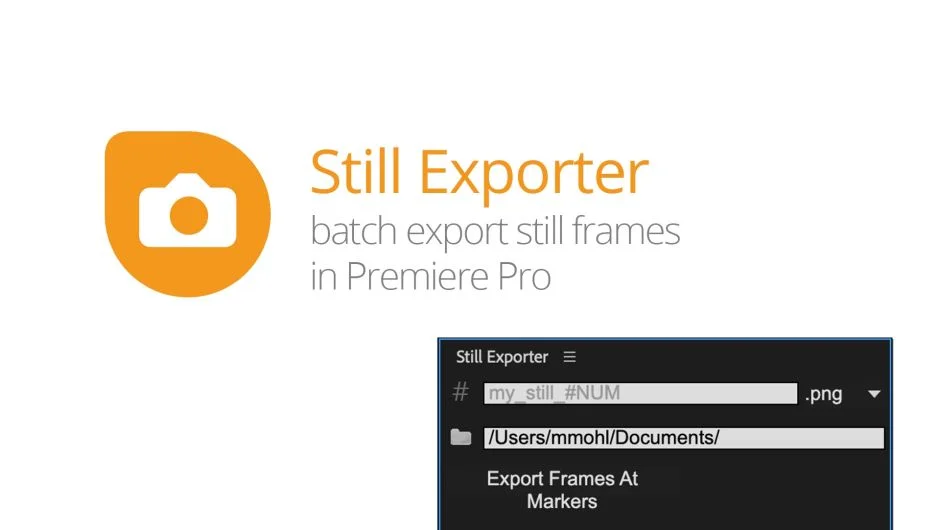
What It Does
Still Exporter solves a common deliverable problem: clients want still images pulled from finished video. Instead of manually scrubbing to each frame and exporting one at a time, you place markers at every frame you want, configure your output settings, and let the extension handle the batch export.
The whole workflow is four steps: set markers, choose a naming pattern, pick a file format, and select a destination folder.
Key Features
Multiple export formats. Supports JPG for small file sizes, PNG for transparency or lossless output, and TIFF and DPX for broadcast and archival use cases.
Flexible file naming with placeholders. Instead of renaming files after export, you define a naming pattern before exporting. Available placeholders include #NUM (marker number, with optional zero-padding like #NUM3), #NAME (marker name), #COMMENT, #PROJECT, #SEQUENCE, and #TIMECODE. The timecode placeholder also accepts a custom separator, so #TIMECODE(-) produces filenames like 00-00-00-00.
Timecode in filenames. Added in version 1.2, this is useful for frame-accurate review workflows where clients or collaborators need to reference exact source positions from the filename alone.
Who It’s For
Editors who regularly deliver still frames alongside video cuts: commercial editors pulling hero frames for client approvals, documentary editors providing reference stills, or social media editors exporting thumbnails. The marker-based approach makes it practical for sequences with many export points.
Also available as part of the Editing Essentials Bundle alongside QuickImporter and BeatEdit.
Pricing
Still Exporter is sold as a one-time purchase at $29.99 for a single-user license, with a floating server license option also available. A free trial is offered on the aescripts product page.