
What It Does
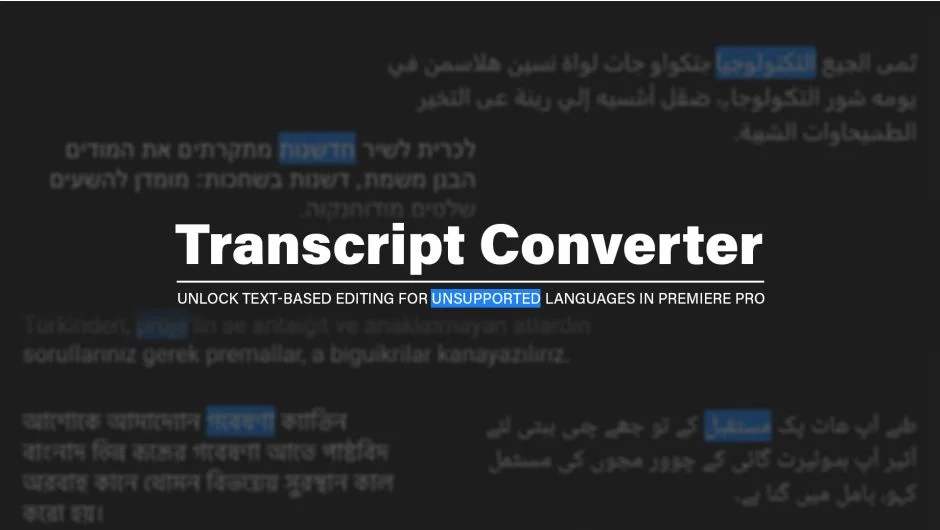
Premiere Pro’s text-based editing only natively supports a limited set of languages, leaving editors working in Arabic, Turkish, Hebrew, Persian, Urdu, or Bengali without the ability to search, cut, or caption using a transcript. Transcript Converter fills that gap by converting JSON transcript files from third-party AI transcription services into the exact format Premiere Pro requires for fully synchronized text-based editing.
The result is a working transcript where words highlight in sync with the playhead, rather than static unlinked text.
Key Features
Sonix.ai API Integration. Added in V1.1.0, this lets you enter your Sonix API key once and access all your cloud transcripts directly from within Premiere Pro. No manual file downloads or format wrangling required.
Broad service support. The tool automatically detects and converts JSON files from ElevenLabs Scribe, Google Chirp, OpenAI Whisper, AssemblyAI, and Sonix.ai. It also accepts native Premiere Pro JSON exports if you want to add segmentation or Word export on top.
Intelligent segmentation. Long transcripts can be split into 5, 10, or 20-second chunks, making the timeline far easier to navigate when working with lengthy interviews or documentary footage.
Batch processing. Select multiple JSON files at once and convert them all in a single pass.
One-click Word export. Generates a formatted .docx table with timestamps and speaker names, useful for translation handoffs, client review, or offline script approval.
Who It’s For
The obvious audience is editors working in languages Premiere Pro does not natively transcribe. If your footage is in Arabic or Hebrew and you want to cut on transcript, this is currently one of the few practical options.
It also makes sense for editors who need higher accuracy than Premiere’s built-in engine provides. Noisy recordings, specific dialects, or technical jargon often transcribe better through dedicated services like ElevenLabs or OpenAI Whisper’s large model. Transcript Converter lets you use those external results inside Premiere’s native workflow.
Producers and scriptwriters who need timestamped Word documents for translation or client sign-off will also find the export feature useful independently of the language question.
Pricing
Transcript Converter is a one-time purchase at $29. A fully functional 10-day free trial is available. Since AI transcript formats change frequently, testing your specific JSON files during the trial before purchasing is strongly recommended. Upgrade pricing is available for existing customers (log in to check eligibility).