
What It Does
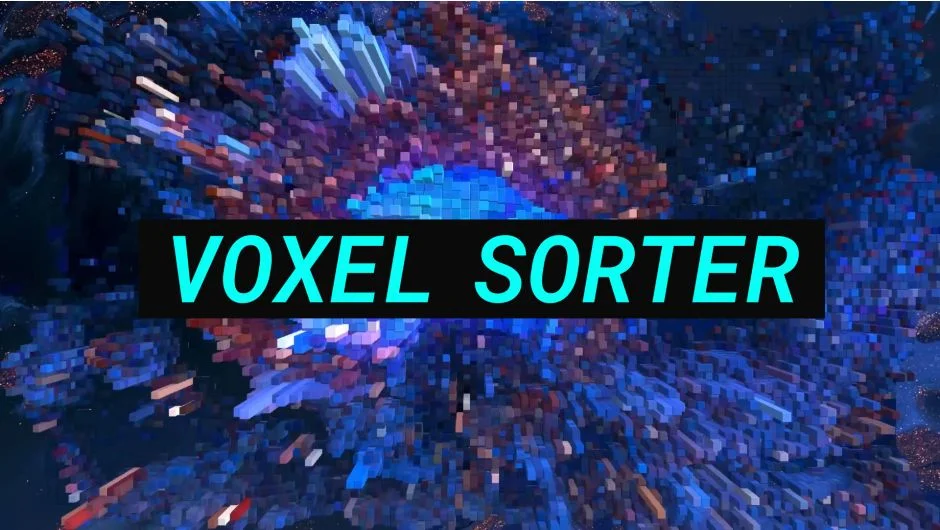
Voxel Sorter takes a flat video clip and rebuilds it as a field of 3D blocks derived from the source pixels. Brightness maps to depth, color becomes geometry, and the result is a blocky miniature scene you can tilt, light, and animate. The aesthetic sits somewhere between Minecraft, a blueprint render, and a corrupted JPEG.
The pixel sorting component extends that idea into three dimensions. Drag the sort axis through the voxel structure and colors migrate up, down, or back to front, leaving trails of shifted geometry rather than just smeared pixels on a flat plane.
Key Features
3D voxel conversion. Every frame is reconstructed as a grid of blocks. Pixel brightness determines how far each block protrudes, giving the image apparent volume and shadow without any manual masking or depth passes.
3D pixel sorting. The sort axis works across the voxel field rather than across a 2D image plane, so sorting produces structural distortion rather than flat streaks.
Tilt and lighting controls. You can rotate the voxel world and relight it, which changes how the depth reads and where shadows fall.
Pro version extras. A separate Pro version adds AI-based depth generation (no external depth plugin required), motion blur tied to camera movement, and a depth-of-field blur with detailed controls. The standard version covered here does not include those features.
Who It’s For
Useful for music video editors, motion designers, and anyone working on stylized content who wants a 3D glitch or pixel-art look without compositing in a separate 3D application. The effect works directly inside Premiere Pro (and After Effects, DaVinci Resolve, Nuke, and Media Encoder), so there is no round-trip export required.
A free trial is available on the aescripts product page before purchasing.
Pricing
Voxel Sorter is a one-time purchase priced at $34.99 (sale price as of mid-2026; regular price is $49.99). A Pro version with AI depth generation and additional blur options is sold separately at aescripts.com.