
What It Does
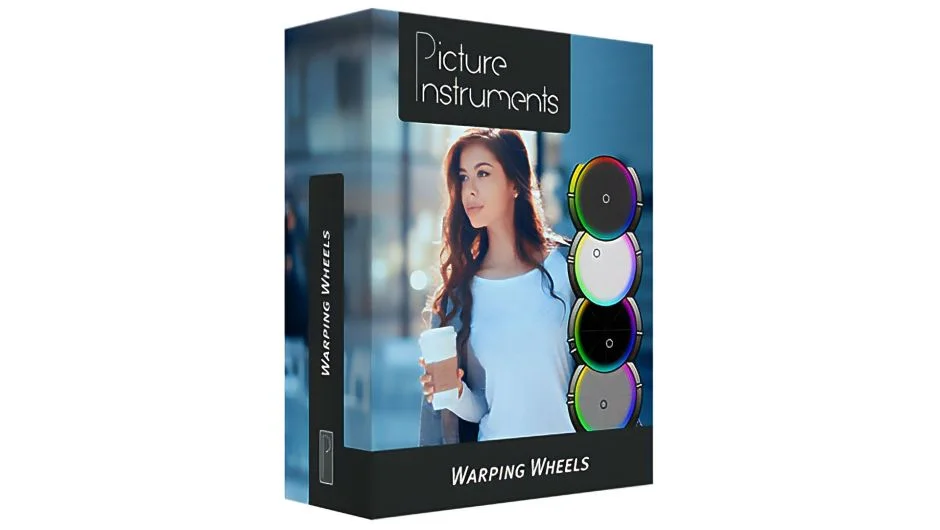
Warping Wheels 3 is a color grading plugin for Premiere Pro, After Effects, Final Cut Pro, and Photoshop. It goes beyond standard color wheels by giving you dedicated controls for the elements that most often make or break a grade: skin tones, sky blue, plant green, and film contrast. Saves made in one host can be shared across all compatible apps, and looks can be exported as LUTs for use anywhere.
Key Features
Skin Tone Wheel. A dedicated wheel for protecting and editing skin tones without having to draw masks or use secondaries. Includes a separate skin tone brightness control.
Sky Blue and Plant Green Wheels. Outdoor scenes live and die by how sky and foliage are treated. These wheels let you shift those color areas independently, making mood changes fast.
Film Contrast Wheel. Unlike a standard contrast slider, the Film Contrast control produces gradual, harmonious contrast that avoids the flat or harsh results you usually get when pulling contrast up or down.
Look Generator. Randomizes settings across the wheels to give you a starting point. Useful when you are not sure what direction to take a scene and want to audition several options quickly.
Precise tonal and spectral control. The range of influence for each wheel can be dialed in by tone and spectrum. Saturation can also be controlled separately for different brightness ranges, which is not something standard wheels offer.
Cross-host presets and LUT export. Save a preset in Premiere and load it in Photoshop or FCPX. Export any grade as a LUT for delivery or use in other tools.
Color-Warp technology. The underlying algorithm is designed to minimize banding and blocking artifacts, which matters when working with compressed footage from smartphones or drones.
Before/after comparison, undo/redo, one-button reset, and Apple Silicon support are all included as of version 3.1.
Who It’s For
Editors who want meaningful color control without leaving Premiere Pro will find this useful. The skin tone wheel alone saves time on any project with close-up interviews or narrative footage. The Look Generator makes it practical for run-and-gun projects where you need a finished look fast. Because the same plugin works across Premiere, After Effects, FCPX, and Photoshop with shared presets, it is also a good fit for teams or individuals who move between those apps.
Pricing
- Single platform license (After Effects/Premiere Pro, Final Cut Pro, or Photoshop): $99.00, with a discounted special price sometimes available.
- All three platforms bundle: $179, with a 40% discount applied at checkout.
- Upgrades: Free if you already own a platform license for the same host. A 50% discount is available to upgrade to all platforms; contact support for a discount code.
A free trial is available from aescripts.com. This is a one-time purchase with no subscription.