
What It Does
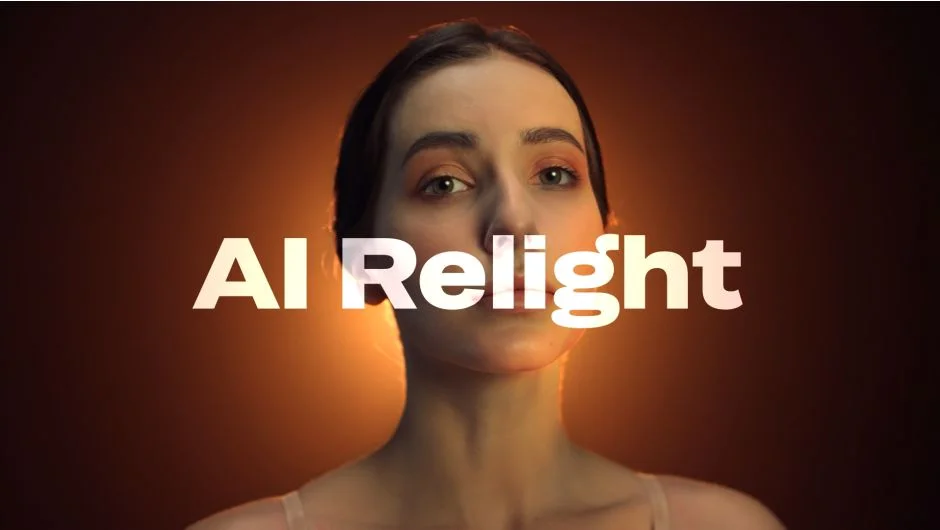
AI Relight analyzes the 3D properties of your footage using machine learning and lets you add virtual light sources directly in post. No 3D software required. The plugin generates normal maps from your footage to simulate how light would behave across surfaces, letting you place, animate, and adjust lights along X, Y, and Z axes.
It works in both Adobe After Effects and Premiere Pro, on Windows and Apple Silicon Macs.
Key Features
Virtual light placement. Drop lights into any scene and adjust intensity, bounce, fade, and highlight falloff using sliders. Lights can be animated for position and color over time.
AI-generated normal maps. The plugin derives depth and surface information from your footage automatically, enabling 3D-like light interaction without bringing in external geometry.
Poorly lit footage recovery. If you’re working with underexposed or flat footage, adding a virtual key light can restore dimension and visual depth in a way that basic color correction can’t.
Pro tier upgrades. The Pro version adds improved temporal consistency across frames, support for After Effects Point Lights and comp lights, and removes the three-light-per-instance cap. Useful for complex scenes where lighting needs to track consistently over motion.
GPU acceleration. Rendering is GPU-accelerated. An RTX 5000 series workaround is documented separately for users on that hardware.
Who It’s For
Colorists and compositors who need to reshape the lighting of a shot after the fact will get the most out of this. It’s also practical for editors dealing with client footage that was captured in poor lighting conditions, or for anyone adding stylized lighting effects like neon or dramatic side lighting without a reshoot. The creative use case, rendering only the light layer and compositing it separately, opens up additional options for motion graphics and title sequences.
Pricing
- Standard ($129): Up to 3 virtual lights per effect instance, works in AE and Premiere Pro, includes footage recovery tools.
- Pro ($249): Everything in Standard, plus unlimited lights per instance, improved temporal stability across frames, and AE comp light support.
- Standard license owners can upgrade to Pro for $120 (login required to see the discounted price). A free trial is available via the aescripts product page.