
What It Does
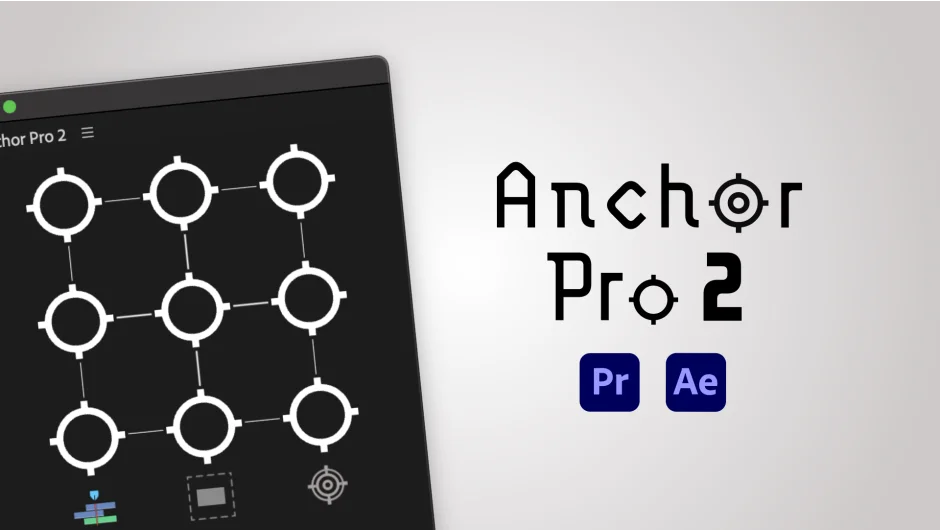
Anchor Pro 2 gives you direct control over anchor points in Premiere Pro and After Effects. Premiere Pro’s native anchor point handling is limited, making it tedious to reposition rotation or scale origins, especially on clips with existing keyframes. Anchor Pro solves this by letting you move the anchor point without disturbing any animation already applied to the clip.
Key Features
Relative positioning modes. Move the anchor point relative to the clip itself, the sequence frame, or a selection of multiple clips. This is useful when aligning motion origins across several elements at once.
Alpha Mode. For clips with transparent backgrounds, like motion graphics or text with drop shadows, Alpha Mode calculates the anchor point based on the actual visible content rather than the full clip boundary. Version 2 adds the option to ignore drop shadows when calculating that boundary, which prevents shadows from pulling the anchor off-center.
Save and apply anchor positions. Lock in an anchor point position from one clip and apply it to others. Handy for keeping consistent rotation or scale behavior across multiple title cards or graphic elements.
Animation preservation. Adjusting the anchor point recalculates existing keyframes so the clip’s motion stays intact. No need to manually offset position values after the fact.
Transform Effect support. Version 2 adds support for Premiere Pro’s Transform effect, letting you work with anchor points on clips that use that effect rather than only the standard Motion controls.
Anchor Point dragging. Click and drag the anchor point directly for precise placement without entering numeric values.
Keyboard shortcuts. Customize the panel behavior with shortcuts for faster adjustment during editing sessions.
Who It’s For
Editors working with motion graphics, lower thirds, or animated text in Premiere Pro will get the most out of this. It’s also useful for anyone doing multi-clip alignment where consistent anchor positions matter, or for editors who frequently use the Transform effect and need anchor control beyond what Premiere provides natively.
Pricing
Anchor Pro 2 is a one-time purchase at $29.99, available from aescripts.com. A 10-day free trial with no feature limitations is available before buying. Users upgrading from Anchor Pro 1 pay $9.99, or nothing if the original purchase was made after September 22, 2025. Anchor Pro 2 is also included in a bundle with other Leyero tools at a 15% discount.