
What It Does
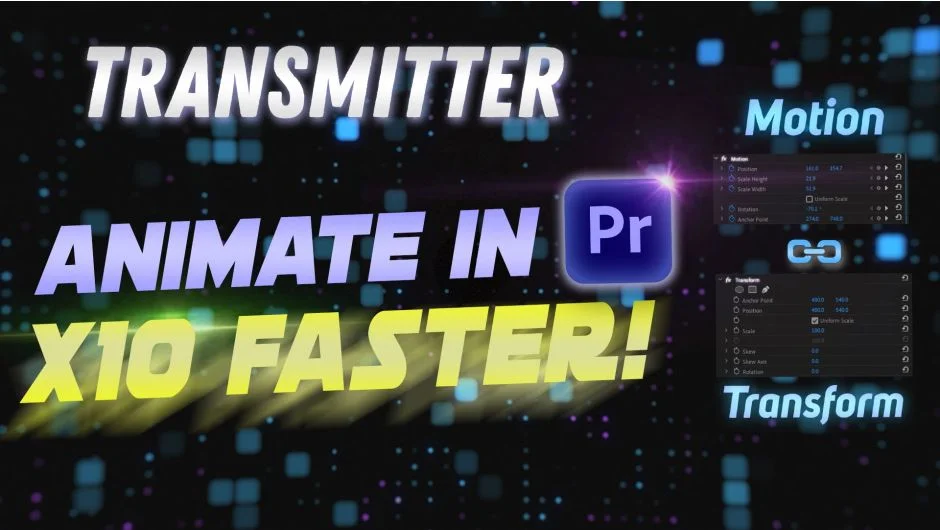
Premiere Pro’s Motion effect has a great interface for animating clips directly in the Program panel. The Transform effect, on the other hand, unlocks capabilities Motion simply can’t match: proper motion blur, alpha matte support via opacity masks, and the ability to adjust position or scale independently of your animation keyframes. The catch is that animating in Transform is slower and less visual.
Transmitter bridges that gap. You animate your clip using the Motion effect as usual, then send those keyframes over to the Transform effect with one click. You get the speed of Motion’s UI and the flexibility of Transform’s feature set.
Key Features
Send keyframes from Motion to Transform. The core function: animate with Motion, transfer to Transform. No manual keyframe recreation needed.
Reset Motion with one click. After transferring keyframes, you can clear the Motion effect instantly so it doesn’t conflict with your Transform animation.
Add interpolation. Apply easing and interpolation to your animation as part of the transfer process, rather than adjusting curves by hand afterward.
Align Anchor Point and Position. Fixes anchor point placement in the Transform effect, which matters when you need consistent scaling or rotation behavior across clips.
Target specific Transform effects. Rename a Transform effect to “tr” and Transmitter will only apply changes to that instance, leaving other Transform effects on the same clip untouched. Useful on complex layers with multiple effects stacked.
Shutter Angle control. Set the motion blur shutter angle value directly from the Transmitter panel when enabling motion blur on the Transform effect.
Who It’s For
Editors who do a lot of clip animation in Premiere Pro, especially zooms, position moves, or scale animations across multiple clips. If you’ve ever wanted motion blur on a clip animation, or needed to duplicate an animated clip and adjust its position without breaking the keyframes, this is the tool that makes that practical. It’s also handy when applying animation via an adjustment layer to affect multiple clips below it.
Pricing
Transmitter costs $29.99 as a one-time purchase with a single-user license. A 10-day free trial with no feature limitations is available before buying. It’s also included in the Ultimate Toolkit for Premiere Pro bundle, which saves 15% across multiple Leyero plugins.