
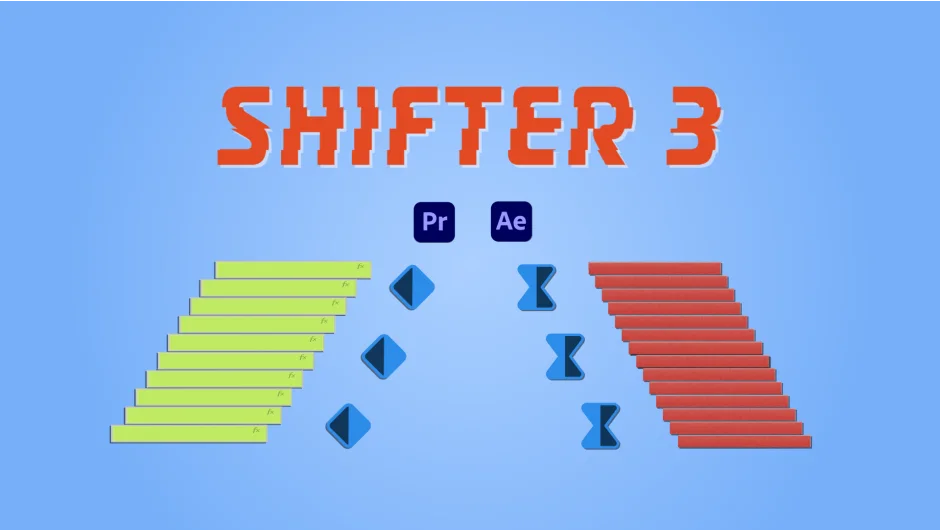
What It Does
Shifter 3 takes a selection of clips in Premiere Pro and arranges them into a staircase pattern, offsetting each clip in sequence. In After Effects, it does the same for layers and keyframes. The core idea is straightforward: instead of manually nudging clips to create cascading arrangements, Shifter handles the math and spacing for you, with real-time visual feedback as you adjust settings.
Key Features
Easing graph. A visual graph lets you control how the offset accelerates or decelerates across the staircase, so you can go from a linear cascade to a more organic, eased arrangement.
Orientation options. Choose ascending, descending, or random ordering to suit the look you’re going for.
In/Out point control. Set clip duration using in and out points, or define a fixed interval for each item. Version 3 adds the ability to offset in/out points directly, giving you more precise duration shaping.
Live preview. Adjustments update in real time so you can dial in spacing and easing without committing to a render.
Item reordering. Move clips around within the panel to quickly reorganize the staircase sequence.
Unlimited presets. Save and load preset configurations, and import or export them for use across projects or to share with collaborators.
Spell Book integration. Works with the Spell Book system from aescripts for batch preset management.
Who It’s For
Shifter is most useful for editors who regularly build reveal sequences, multi-clip montages with rhythmic offsets, or title card arrangements where clips need to cascade in a controlled pattern. It also applies in motion graphics contexts in After Effects, where offsetting layers or keyframes by a consistent interval is a common but tedious task.
Pricing
Shifter 3 is a one-time purchase at $34.99. Upgrade pricing is available for existing users: $16.99 from Shifter 2, or $19.99 from Shifter Pro, applied automatically in the cart when you log in. It is also available as part of the Ultimate Toolkit for Premiere Pro bundle at a 15% discount.