
What It Does
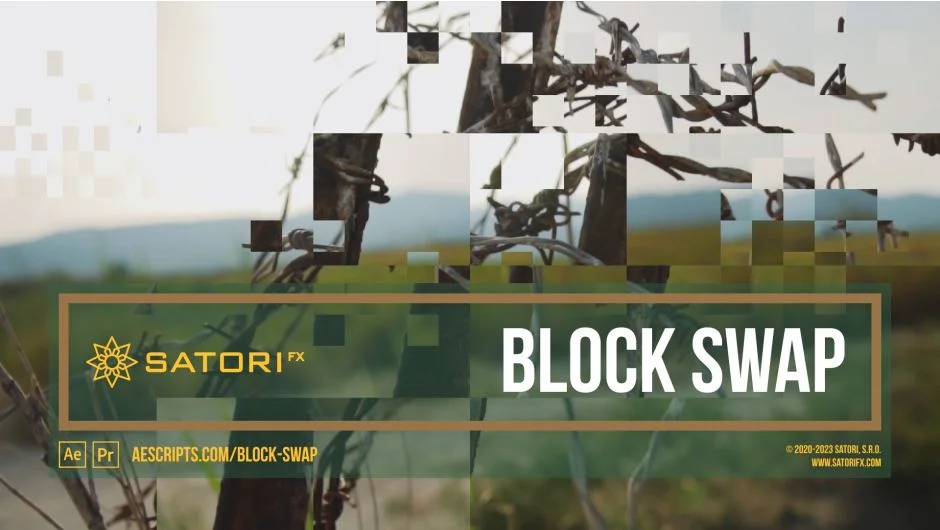
Block Swap is a plugin from SatoriFX that takes your footage and randomly swaps rectangular blocks of the image with each other. The result can range from subtle pixel noise to full blocky glitches to abstract recompositions of a scene, depending on how you dial in the parameters. It works in both Premiere Pro and After Effects.
Key Features
Block Width and Height. You set the dimensions of the tiles being swapped, from 1 pixel (produces a noise-like effect) up to 4096 pixels for large tile displacement. The Align button finds the nearest block dimensions that divide evenly across your frame, avoiding partial blocks at the edges.
Shuffle Strength and Spread. Strength controls what percentage of blocks get swapped at all, from 0% (nothing moves) to 100% (everything shuffles). Spread controls how far apart the swapped blocks are, from neighboring tiles only up to the furthest possible distance across the frame.
Shuffle Spread Direction. Swapping can be constrained to horizontal rows, vertical columns, or allowed anywhere in the image. Useful for creating more directional glitch looks.
Channel Selection. The effect can be applied to all RGBA channels equally, or isolated to red, green, blue, or alpha individually. Applying to individual channels produces color-fringing and chromatic-style glitch effects.
Time Shift section. This is where the plugin goes beyond a simple spatial shuffle. You can pull blocks from different points in time on your timeline, up to 16 frames back or forward. Probability and Time Step controls let you decide how frequently this occurs and by how many frames per step. Edge Time Mode handles what happens at the beginning and end of a clip, with options for Repeat Last, Wrap, and Mirror.
Mask Filter section. Uses a layer as a mask to control where swapping occurs. The Intensity slider and three Type options (Threshold, Randomized Threshold, Randomized Mask) let you animate the effect in and out using gradients or luminosity-based masks. This makes it practical for clean transitions where the glitch wipes across the frame rather than hitting everything at once.
Composite on Original. When unchecked, only the swapped areas are output, leaving unchanged regions transparent. This lets you apply secondary effects exclusively to the glitched parts.
Who It’s For
Block Swap is suited for motion designers and editors who want glitch aesthetics with actual parameter control rather than preset looks. The Time Shift feature in particular opens up effects that aren’t achievable with standard glitch plugins, pulling frame fragments from different moments in time into the same frame. It’s also practical for transitions, especially when combined with Mask Filter to animate the effect in and out.
Pricing
Block Swap is available on a pay-what-you-want basis through aescripts.com. A free trial is available with a 4096-pixel vertical resolution cap on rendering. The registered version has no rendering resolution limit. Upgrade pricing is available for previous buyers when logged in.