
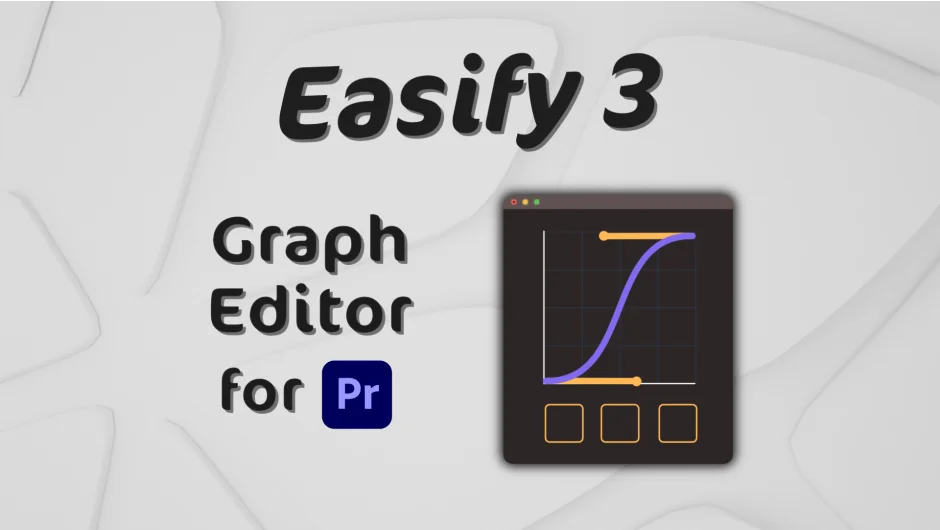
What It Does
Easify 3 Pro brings a proper graph editor for keyframe easing to Premiere Pro, which has historically offered very limited control over animation curves. It lets you apply Bezier curves, mathematical easing functions (sine, back, elastic, bounce), and combinations of both to any keyframed property. The same extension works in After Effects, where it adds direct Bezier easing application and copy/paste of easing between keyframes.
This is the Pro tier of Easify 3. A Standard version ($34.99) covers the core graph editor, mirroring curves, rove across time, copy/paste easing, and time-reversing keyframes. Pro adds mathematical curves, customizable special curves, advanced curve combination, and the ability to save copied easing to preset libraries.
Key Features
Bezier + Math Curve Combination. The headline Pro feature lets you blend a hand-drawn Bezier curve with a mathematical easing function to create easing shapes that would be impossible to dial in manually. Useful for character motion, UI animations, or anything where standard ease-in/out feels too mechanical.
Special Curves Customization. Back, Elastic, and Bounce curves expose parameters like overshoot amount and frequency, so you can dial in exactly how bouncy or springy an animation feels rather than accepting a fixed preset.
Preset Libraries. Create, import, and export libraries of easing presets. You can save a copied easing directly to a preset for quick reuse across projects or with a team.
Spell Book Integration. Keyboard shortcut support via Spell Book lets you trigger easing operations without touching the panel, which matters when you’re working quickly on a timeline.
After Effects Support. Apply Bezier easing directly to AE keyframes, copy and paste easing between keyframes, and move keyframes to the playhead. Covers Premiere Pro 2024, 2025, and 2026, and the equivalent AE versions.
Who It’s For
Anyone animating in Premiere Pro who has hit the ceiling of what native keyframe controls allow. Motion designers doing title sequences, lower thirds, or graphic elements inside Premiere will get the most from it. Editors who occasionally need polished animation without jumping to After Effects will also find the Standard tier (or Pro) worth having. The AE features make it a reasonable cross-app tool if you work in both applications.
Pricing
- Standard ($34.99 one-time): Animation graph editor, Premiere Pro and AE support, unlimited presets, mirror animation curve, rove across time, copy/paste easing, time-reverse keyframes.
- Pro ($59.99 one-time): Everything in Standard, plus mathematical curves, special curves customization, advanced curve combination, and saving copied easing to presets.
Upgrade from Standard to Pro is $25. Upgrade pricing from Easify 2 variants is also available when logged into your aescripts account. A free trial is available on the product page.