
What It Does
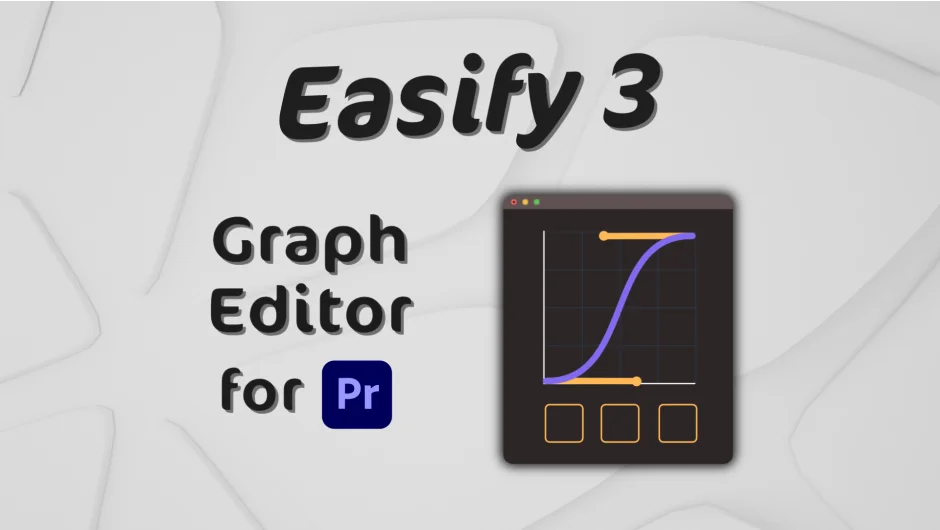
Easify 3 brings a proper animation graph editor to Premiere Pro, filling a gap that’s long existed in the app. Where Premiere’s native keyframe controls are limited, Easify gives you a visual curve editor to shape exactly how animations accelerate and decelerate. It also works in After Effects, so editors who move between both apps can use the same tool.
The core workflow is selecting keyframes, picking or drawing a curve, and applying it. That applies to position, opacity, scale, or any other animatable property.
Key Features
Animation Graph Editor. The central panel lets you choose from a wide range of preset easing curves or draw your own Bézier curve. Curves like Back, Elastic, and Bounce can be customized with parameter controls rather than fixed shapes.
Preset Libraries. Save your own curves as named presets, import libraries from collaborators, or export your own. Useful for maintaining consistent motion language across a project or team.
Mirror Animation Curve and Time-Reverse Keyframes. Two utility features that let you flip or reverse animation timing without manual keyframe editing.
Rove Across Time. Redistributes keyframe timing so motion stays constant across a sequence, useful for camera moves and position animations.
Copy and Paste easing. Copy the curve from one set of keyframes and paste it onto others, in both Premiere and After Effects.
Math Curves and Advanced Combination (Pro only). The Pro tier adds mathematical curve types and the ability to blend multiple curves together for results that go beyond standard Bézier easing.
Keyboard Shortcut Integration. Connects with the Spell Book extension for custom keyboard shortcuts on common easing operations.
Who It’s For
Motion designers and editors who build title animations, lower thirds, or graphic packages directly in Premiere Pro will get the most from this. If you’re already doing this work in After Effects, the AE support means you don’t need to switch tools. It’s also practical for documentary or commercial editors who occasionally need polished animation on graphics without jumping into a full motion graphics workflow.
Pricing
Easify 3 is a one-time purchase with two tiers:
- Standard ($34.99): Animation Graph Editor, Bézier curves, Preset Libraries, Mirror Curve, Rove Across Time, Copy and Paste easing, Time-Reverse Keyframes. Works in both Premiere Pro and After Effects.
- Pro ($59.99): Everything in Standard, plus Mathematical Curves, Special Curves Customization, Advanced Curve Combination, and the ability to save copied easing directly to Presets.
You can start with Standard and upgrade to Pro later for $25. A free trial is available from the aescripts product page.