
What It Does
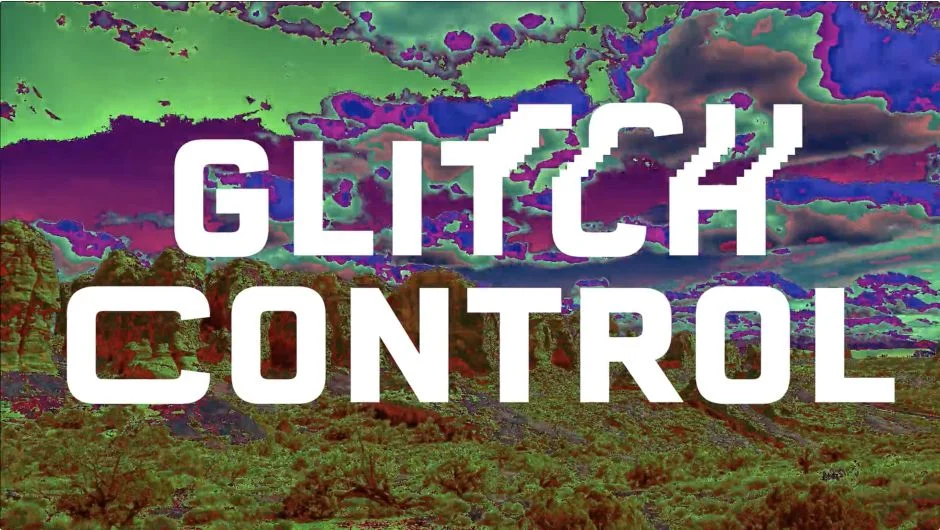
Glitch Control is a modular effect plugin for Premiere Pro (and After Effects) that applies classic glitch art effects directly to footage in the timeline. Drop it onto a clip, pick which modules to enable, and adjust. No digging through effect menus or stacking multiple techniques manually.
Key Features
RGB Controls. Produces the classic RGB split look, separating color channels for that digital-distortion feel common in music videos and title sequences.
Displacement. Animates choppy, jittery glitch movement. Stack multiple instances of this module to push the effect further.
Stretch. Drags pixels horizontally across the frame. Works well as a transition between clips or blended with other modules for a more layered result.
Color Cycle. Rapidly shifts colors through psychedelic ranges. Useful for abstract sequences or adding visual intensity to a moment.
The modular design matters practically: disabling modules you aren’t using reduces processing load, which keeps render times shorter when you’re iterating quickly.
Who It’s For
Editors working on music videos, trailers, or social content that calls for a glitched or degraded aesthetic will get the most out of this. It’s also handy for motion designers who want a quick starting point for glitch transitions without building the effect from scratch in Premiere Pro’s native tools.
Pricing
Glitch Control is a one-time purchase at $39.00 for a single-user license. A free trial is available. Prior owners may qualify for upgrade pricing (login required to check). It’s also available as part of the Glitch Bundle at $159.99, which includes Data Glitch 2, Pixel Sorter 3, Datamosh 2, and memleak, representing a 25% discount off individual prices.