
What It Does
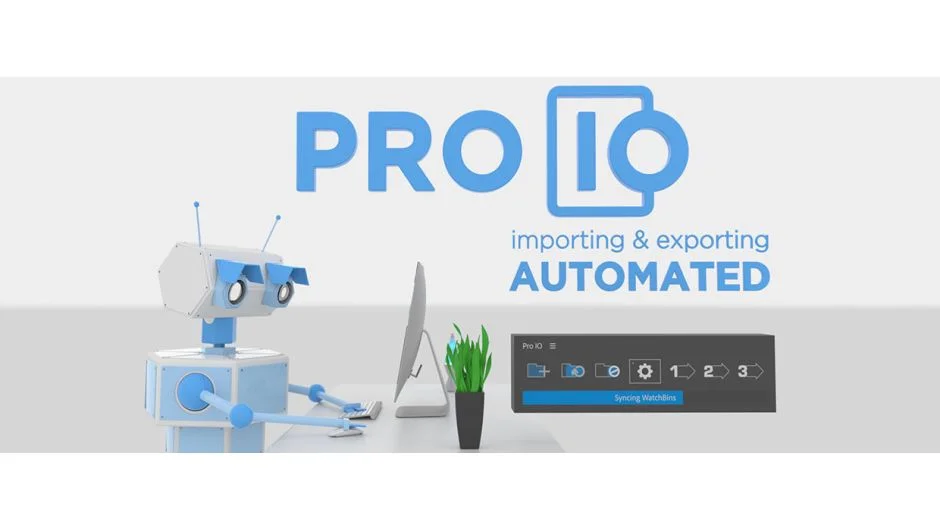
Pro IO handles the repetitive side of media management: importing new assets and queuing exports. Instead of navigating to the same folders every time you need to bring in footage, or manually typing render destinations and file names on every export, Pro IO lets you set those things up once and repeat them with a single click.
It works in both Premiere Pro and After Effects, covering two of the most common pain points in daily editorial and motion work.
Key Features
Watch Bins. Link a system folder to a project bin using an absolute or relative path. From that point on, pressing Sync pulls any new files from that folder directly into the bin. You can choose how subfolders are handled, include or flatten them, and set which file types are allowed. Selecting specific bins before syncing lets you update only what you need.
Image Sequence Detection. Enable this option on a Watch Bin and Pro IO will identify sequentially named files and import them as image sequences rather than individual stills. Useful for CG renders, DPX files, and ARI sequences coming in from other departments.
Export Presets. Build a preset once with your naming format, destination path, and output modules. On export, Pro IO queues the job to the After Effects render queue or Media Encoder with a single click. Naming supports wildcards for version number, project name, sequence or comp name, date stamps, width, height, and frame rate, so your files land in the right place with consistent names without manual entry.
Multiple Output Modules. Each Export Preset can include as many output modules as you need, making it straightforward to render a master file and a compressed delivery version in one pass.
Reduce and Trim on Export (After Effects only). These settings temporarily reduce the project or trim the comp to the work area before rendering, without touching the original project file. Handy for keeping render times down on complex comps.
Shareable Presets. Export Preset settings are stored in a single file you can copy to a colleague’s machine, useful for keeping naming conventions consistent across a team.
Who It’s For
Pro IO makes the most sense for editors and motion designers who work with large volumes of media across multiple projects. If you regularly pull in stock elements, CG renders, or footage from shared drives, Watch Bins remove the repetitive folder navigation. If you deliver multiple versions or formats on every project, Export Presets pay for themselves quickly in time saved.
Teams benefit from the shared preset file, which keeps everyone rendering to the same naming conventions and destinations.
Pricing
Pro IO is a one-time purchase at $59.99 for a Single User License, installable on up to two computers when not used simultaneously. A free trial is available. Floating Server Licenses are available for teams at scaled pricing. Upgrade pricing is available for prior buyers.