
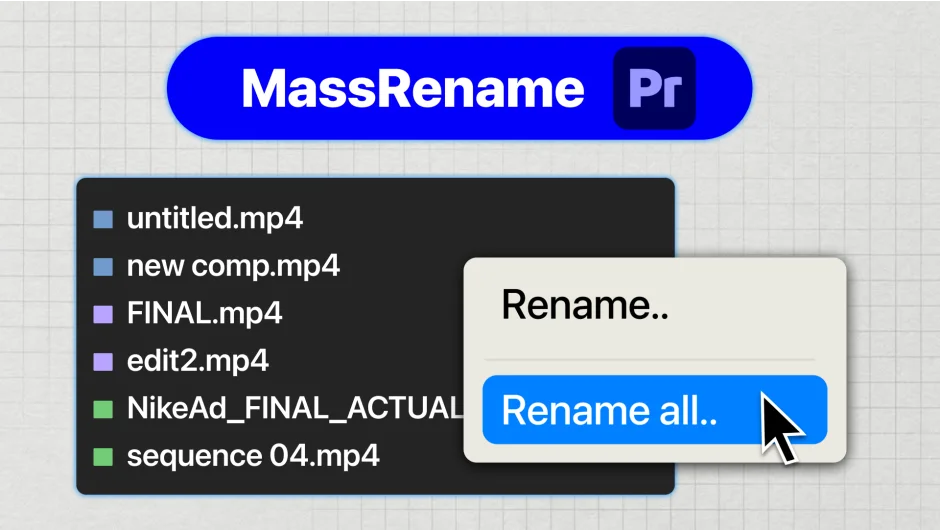
What It Does
MassRename lets you select any number of project panel items in Premiere Pro, define a naming pattern, preview every resulting filename before committing, and apply the rename in one click. It works on clips, audio files, sequences, bins, graphics, and adjustment layers.
Key Features
Live preview. Before you rename anything, MassRename shows you exactly what every item will be called. No guessing, no accidental overwrites.
Pattern tokens. Build naming conventions using $n for sequential numbers, $nn for zero-padded numbers (01, 02, 03), and $& to reference the original filename. For example, Interview_$nn produces Interview_01, Interview_02, and so on. Appending $&_Final adds a suffix to every existing name without retyping anything.
Find and replace. Target specific text within selected item names and swap it out. Changing Project_Draft_01 to Project_Final_01 across an entire project takes seconds.
Offline and NDA-safe. The plugin runs entirely on your machine. No internet connection required, no data transmitted anywhere. Safe for restricted or confidential productions.
Project-panel only. MassRename renames clips within Premiere Pro’s project panel only. Source files on disk are never touched, so media links stay intact.
Who It’s For
Anyone who ingests large amounts of footage with camera-generated filenames (IMG_4392.MOV, A001_C003_0115.braw) and needs to apply a consistent naming convention before or during an edit. Particularly useful on collaborative projects where clear, consistent naming prevents broken proxies and confused colleagues.
Also handy for editors doing final delivery prep, where sequences and exports need to follow a specific naming structure.
Pricing
MassRename is a one-time purchase priced at $19, currently discounted to $15.20. No subscription. Lifetime updates are included, meaning compatibility patches and new features cost nothing extra after purchase.