
What It Does
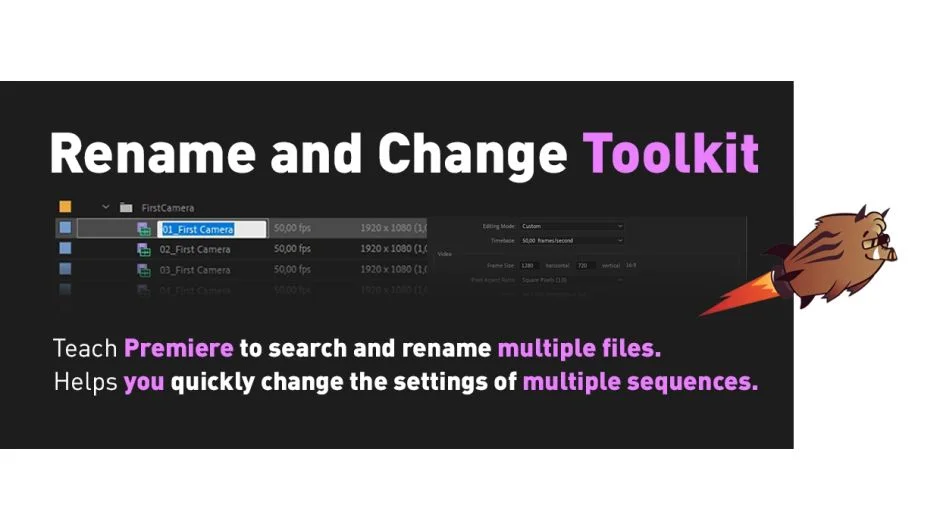
Rename and Change Toolkit for Premiere Pro is a discontinued extension by Kabansky that handled two related tasks: batch renaming items in the project panel, and batch changing sequence settings like resolution and frame rate. It has since been split into two separate tools, Rename It! and Change It! for Premiere Pro, which are the current supported replacements.
This listing is preserved for reference. The toolkit is no longer available for new purchase.
Key Features
The extension was divided into two sections.
Renamer. Batch renamed selected items in the project panel, or all items if nothing was selected. Supported search-and-replace with options for case matching, full rename, suffix/prefix, and RegEx patterns. You could also stamp the current date and time onto item names, added in version 1.0.3.
Add Suffix or Prefix. Appended or prepended text strings to selected files, with support for automatic numbering. Useful for organizing footage by shoot date or camera identifier.
Changer. Batch changed sequence settings across selected sequences, including resolution and frame rate. A Find and Change option let you search for sequences matching specific settings and update them all at once. Note: actions in the Changer tab could not be undone, so saving before use was essential.
Who It’s For
The toolkit was aimed at editors managing large projects who needed to rename many clips at once or standardize sequence settings across a project. Both tasks are tedious to do manually, especially when inheriting someone else’s project.
Pricing
This product is discontinued and no longer available for purchase. Existing owners can upgrade to Rename It! at a discounted price by logging into their aescripts.com account. The replacement tools, Rename It! and Change It! for Premiere Pro, are sold separately as one-time purchases on aescripts.com.