
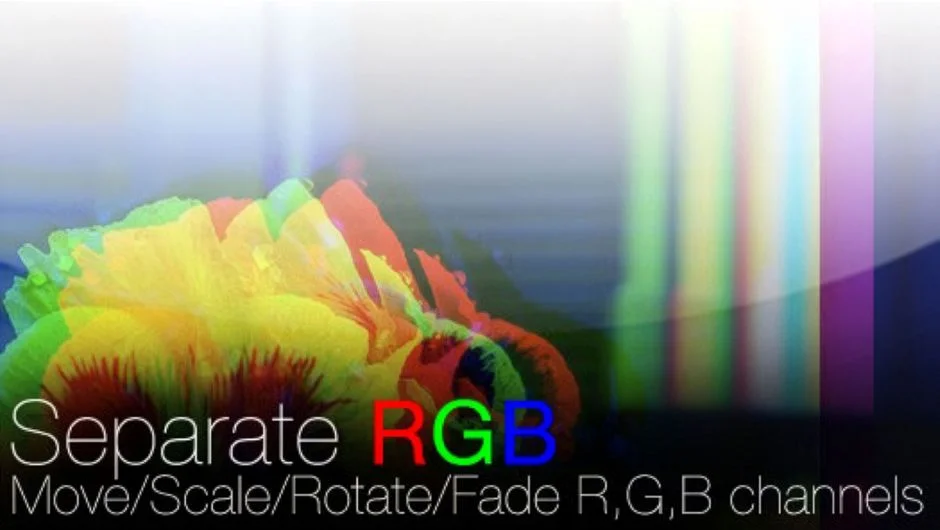
What It Does
Separate RGB by Rowbyte gives you independent control over the red, green, and blue channels of any footage or image in Premiere Pro (and After Effects). You can move, rotate, scale, blur, blend, fade, and distort each channel separately, opening up a range of stylized looks that aren’t possible with standard color tools.
The most common use case is chromatic aberration, the lens fringing effect where color channels shift apart from each other. Separate RGB makes this straightforward to achieve and animate.
Key Features
Independent channel transforms. Move, rotate, scale, blur, fade, and blend each of the R, G, and B channels on its own. This gives you precise control over how much and in which direction each channel separates.
Lens Distortion per channel. Apply lens distortion independently to each channel, which is the core of a convincing chromatic aberration look. The distortion can be subtle for a realistic lens feel or pushed hard for a glitch aesthetic.
Automatic boundary growth. When channels shift outside the original frame, the plugin automatically expands the boundaries to avoid clipping, so you don’t have to manually compensate with scaling.
Who It’s For
Useful for editors and motion graphics artists working on music videos, title sequences, narrative projects with a stylized look, or any content where a chromatic aberration or RGB split effect fits the aesthetic. Works directly in Premiere Pro as a native plugin, so there’s no need to round-trip to After Effects for this effect.
Pricing
Separate RGB is a one-time purchase at $39.99 for a single-user license. Additional license types are available:
- Single User License at $39.99
- Floating Server License available via dropdown on the product page, priced separately
- Render-Only License available separately for headless render machines (requires owning at least one full license)
Upgrade pricing may be available for previous buyers upon login.