
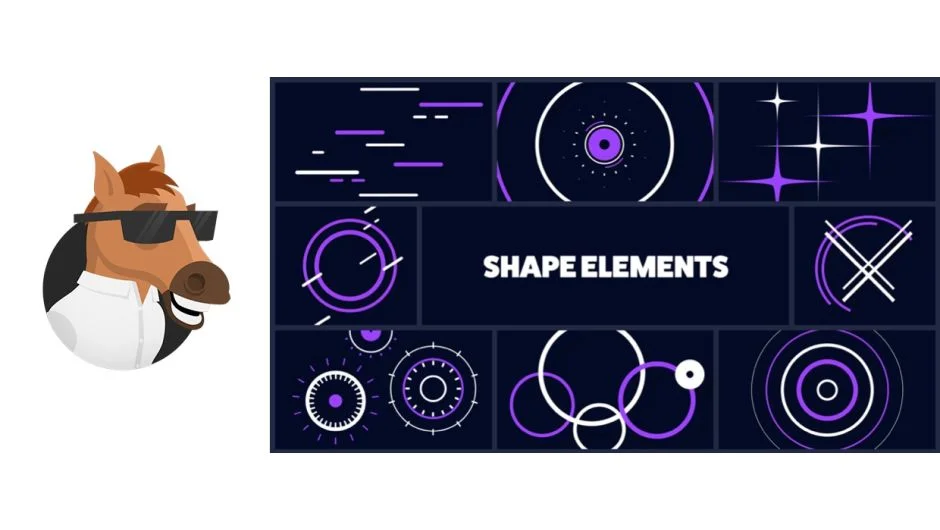
What It Does
Shape Elements Pack is a library of 593 animated shape elements built by Mister Horse for use in Premiere Pro and After Effects. Elements are accessed through the Premiere Composer panel (free), where you can browse previews and drag items directly onto your timeline. Only assets you actually use get pulled into your project, keeping things tidy.
Key Features
Editable colors. Each element supports custom color input or color presets, so shapes match your brand or project palette without manual layer digging.
Per-element controllers. Rather than exposing every possible parameter, each element has targeted controls suited to its specific animation. This keeps customization practical rather than overwhelming.
Guide layers. Select elements include non-rendering guide layers that show you the full motion path or bounds, making it easier to position and time animations precisely.
Multiple easing variations. Most elements come in several easing styles, giving you options for how an animation enters or exits. Mixing easing styles across elements is a common way to add variety without building from scratch.
Video previews. Every item in the panel has a preview video so you can assess the animation before placing it.
Who It’s For
Motion designers and video editors who regularly need clean, geometric animated accents for explainer videos, social content, or broadcast graphics. It works for both Premiere Pro (via Premiere Composer) and After Effects (via Animation Composer), so teams that split work across both apps can use the same asset library.
Pricing
This product has been discontinued as a standalone purchase. All Mister Horse products, including Shape Elements Pack, are now available through a single Mister Horse subscription plan at misterhorse.com.