
What It Does
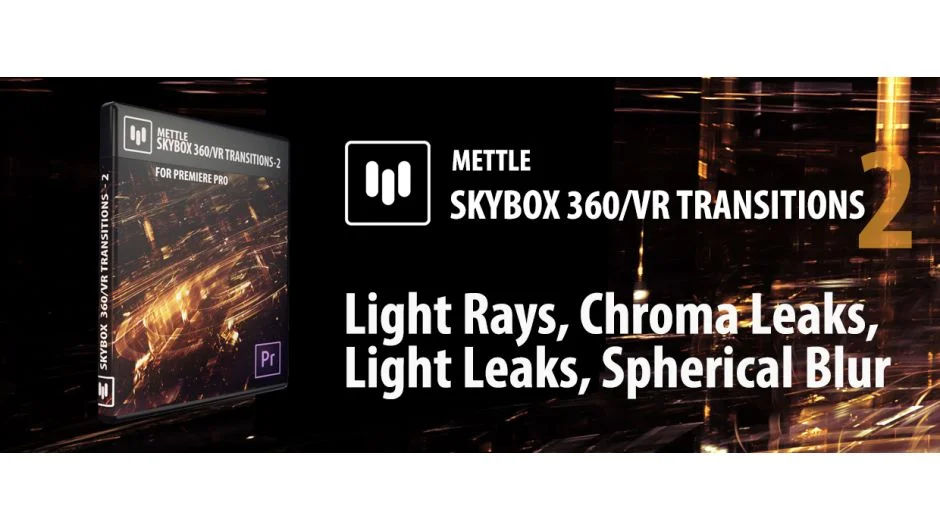
SkyBox 360/VR Transitions Pack 2, made by Mettle, adds four cinematic transitions built specifically for equirectangular 360° footage in Adobe Premiere Pro. Unlike standard Premiere transitions, these are distortion-aware, meaning they wrap correctly around the 360° frame rather than appearing flat or broken in a headset or player.
Transitions are applied directly between two adjoining clips on the timeline, just like any native Premiere transition. No pre-comping or manual masking required.
Note: This plugin is no longer sold as a standalone product. Adobe acquired the Mettle SkyBox Suite and integrated its functionality into Creative Cloud. The listing remains available on a pay-what-you-want basis.
Key Features
Four transitions included. The pack covers Chroma Leaks, Light Leaks, Light Rays, and Spherical Blur. Each has a distinct look suited to different scene changes in VR productions.
Correct 360° distortion. Effects are computed to display properly in equirectangular format, supporting both mono 2:1 and stereo 1:1 over-under layouts. This is the core problem it solves: standard transitions look wrong in 360° footage.
Drag-and-drop application. Transitions install under Video Transitions > Mettle 360/VR in Premiere Pro and work within the standard transitions panel.
Customizable parameters. Each transition exposes controls for adjusting intensity, spread, color, and other properties, giving editors variation beyond the default look.
Who It’s For
Editors cutting 360° or VR content in Premiere Pro who need polished cut transitions without building custom effects from scratch. Useful for travel VR, event coverage, and documentary-style 360° productions where visual transitions between locations help orient the viewer.
Pricing
The product is listed as pay-what-you-want on aescripts. The standalone price was originally $149.00, but since Adobe integrated SkyBox functionality into Creative Cloud, this pack is no longer actively sold. If you are on a current Creative Cloud subscription, check Adobe’s built-in VR tools first, as much of this functionality may already be available to you.