
What It Does
Storyboard Maker Premiere is an extension by LetsMotion that lets you build storyboards without leaving Premiere Pro. You sketch or import images for each shot, fill in production metadata, and then apply the whole storyboard to your timeline in one click, with each scene synced and ready for final footage.
It’s aimed at independent filmmakers, agencies, schools, and production teams who want to keep pre-production and editing in the same application.
Key Features
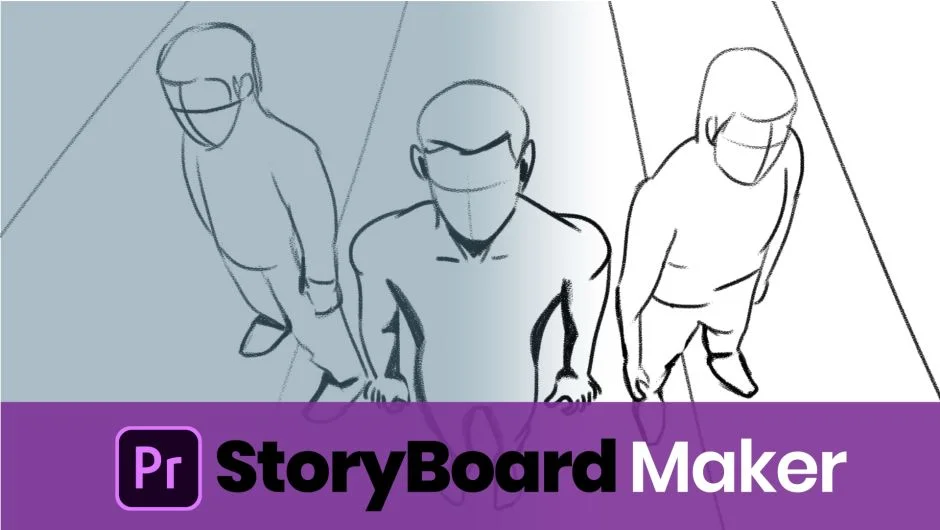
Drawing and painting tools. For the first time in Premiere Pro, you can draw directly inside the extension using brushes, shapes, and color pickers. Useful for quick visual sketches when you don’t have reference photos yet.
Photo import and editing. Bring in existing reference images and edit them inside the panel. You can apply filters, mask, crop, and scale each photo to frame the shot correctly.
Shot metadata per scene. Each scene supports a detailed set of production fields: shot type, shot size, subject, frame rate, lens choice, duration, camera movements, sounds, and a text description. This keeps your storyboard useful beyond a simple image sequence.
Export and re-import. Storyboards can be exported in multiple formats for sharing with clients or collaborators, then re-imported cleanly back into the extension.
Apply to timeline. Hit the apply button and Premiere Pro builds a sequence where each storyboard scene becomes a placeholder clip, retaining its metadata. You then drop in your final footage.
Compatible with Premiere Pro 2021 through 2025. A free trial is available before purchase.
Who It’s For
Directors and cinematographers who pre-visualize shot lists will get the most out of this. It’s also a practical tool for video production teams that want to hand off a structured timeline to an editor, or for educators teaching students the pre-production process.
Pricing
Single one-time purchase at $39.99. A floating server license is available for teams. Upgrade pricing may apply for returning customers.