
What It Does
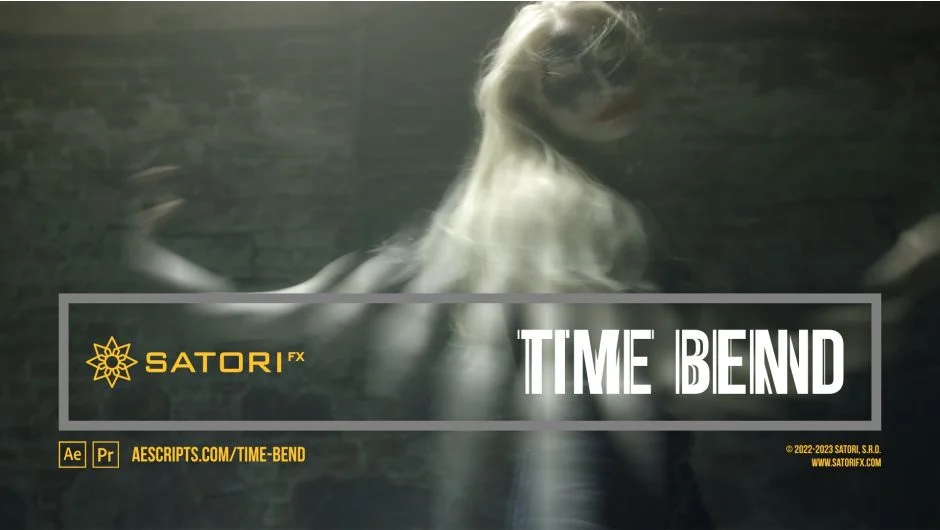
Time Bend is a plugin from Satori that replaces the native Time Displacement effect in After Effects and Premiere Pro. Rather than simply displacing a single frame, it blends up to 256 frames from different points on the timeline simultaneously. The result is time-warped footage, morphing visuals, and seamless loops that aren’t achievable with standard tools.
The core idea: every pixel in your frame can map to a different moment in time, with blending and transitions controlled by luminance values from a mapping source layer.
Key Features
Frame Count. Set how many frames get blended together, from 1 up to 256. The plugin is optimized for up to 32 frames for reasonable preview and render performance, but higher counts are available for experimentation.
Time Step. Controls the temporal distance between each blended frame, settable in seconds or frames. Negative values step backward, positive values forward. Setting this to zero blends the current frame with itself, which is optimized for speed.
Time Offset. Shifts the entire frame sequence forward or backward in time relative to the current frame. Useful for creating offsets without changing the sequence structure.
Edge Time Mode. Handles what happens when the frame sequence extends beyond the layer’s boundaries. Options include Repeat Last, Wrap (ideal for looping footage), and Mirror. This makes seamless loop output genuinely practical.
Time Mapping Source. Any layer can serve as the mapping source. Dark pixels map to the first frame in the sequence, bright pixels to the last. Using a gradient here creates smooth transitions across the frame; using animated masks or custom artwork creates more complex effects.
Channel Modes. Apply the effect in Luma mode (all channels treated equally) or RGB mode (each channel calculated separately, which can produce unexpected color combinations diverging from the original footage).
Blend Controls. An extensive set of blending parameters covers blend mode (Addition, Subtract, Multiply, Divide), blend overflow handling (Clamp, Bounce, Overflow), source and destination blend curves, and a Reset Blend button to return to default linear crossfade. All of this is visualized in the Blend Graph within the plugin UI.
Visual Graphs. Three graph displays give real-time feedback on the timeline layout, curve mapping, and blend transition shape. These are genuinely helpful given how abstract some of the parameters are.
Who It’s For
Time Bend suits motion designers and VFX artists working on abstract loops, glitch aesthetics, or experimental time-based visuals. It’s also practical for creating seamless looping footage from clips that weren’t shot to loop. The learning curve is real, but the plugin includes a free trial version and a downloadable sample projects pack, both of which are worth using before diving into production work.
It works across both After Effects and Premiere Pro, on Windows and macOS (including Apple Silicon). Multi-frame rendering is supported; GPU acceleration is not.
Pricing
Time Bend is a one-time purchase at $37.99 for a single user license. Floating server and render-only license options are also available. A free trial version is provided so you can test before buying.