
What It Does
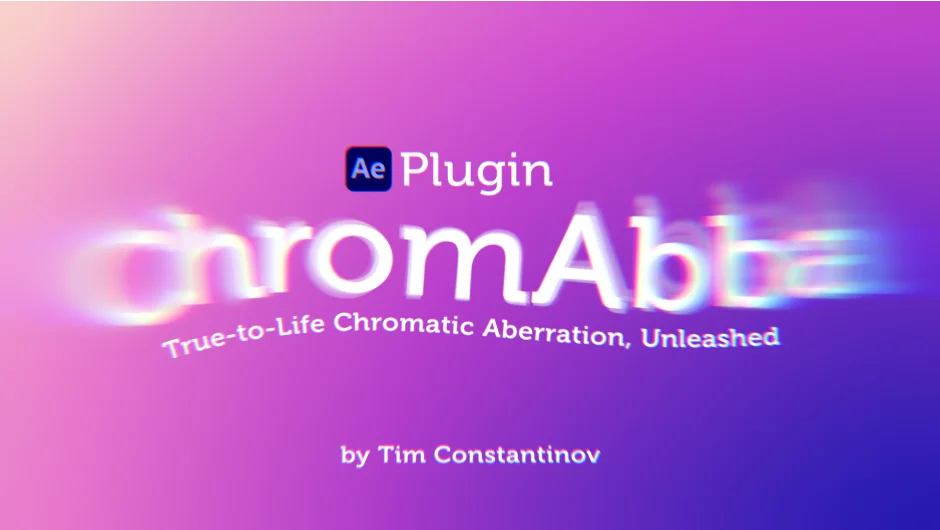
Chromabba simulates chromatic aberration the way it actually occurs in optics, by bending light around edges rather than simply offsetting RGB channels. The result is a more convincing lens fringe effect that holds up on close inspection. Applied to footage or a title card, it reads as a genuine optical artifact rather than a post-processed trick.
Push the parameters far enough and the effect shifts into liquid glass territory, producing thick, refractive distortion that works well for abstract backgrounds or experimental transitions.
Key Features
Strength. The primary control. A subtle nudge adds a hint of lens character; cranking it hard gives a heavy prism or glass-block look.
Direction. Choose between Both, Inward, or Outward displacement. This shapes the optical character of the fringe and makes a real difference in how cinematic or abstract the result feels.
Edge Attraction Power. Controls how closely the aberration follows image edges, which is what separates this from a basic channel-shift approach.
Edge Mode. Handles border pixels with options including Transparency, Clamp to Edge, Repeat, and Mirror Repeat, so you can avoid unwanted artifacts at the frame boundary.
Samples. Adjusts smoothness of the effect, trading render time for quality.
Liquid Glass mode. Exceeding the intended parameter range produces a refractive distortion effect. Useful on adjustment layers with masks to isolate the region.
GPU acceleration via WebGPU. Runs entirely on the GPU with Multi-Frame Rendering support in Premiere Pro and After Effects. Handles 8K sequences with stability warnings if a frame exceeds GPU limits.
Bit depth. Works with 8-bit, 16-bit, and 32-bit color.
Cross-platform. Metal on macOS (Intel and Apple Silicon), Direct3D 12 or Vulkan on Windows 10 and above.
Who It’s For
Chromabba suits editors and motion designers who want optical imperfection that looks physically grounded rather than algorithmically generated. It fits naturally into music video finishing, sci-fi title sequences, vintage or lo-fi aesthetics, and any project where lens character matters. The liquid glass mode opens a separate creative lane for abstract or experimental work.
Because it runs as an OFX plugin, it works in Premiere Pro, After Effects, DaVinci Resolve, Nuke, and other OFX hosts from a single license.
Pricing
Chromabba uses a pay-what-you-want model via aescripts.com, with a suggested price of $30. Individual users can pay any amount; businesses and teams are required to pay the suggested price to receive a valid license. No subscription or separate tiers, just a one-time purchase.