
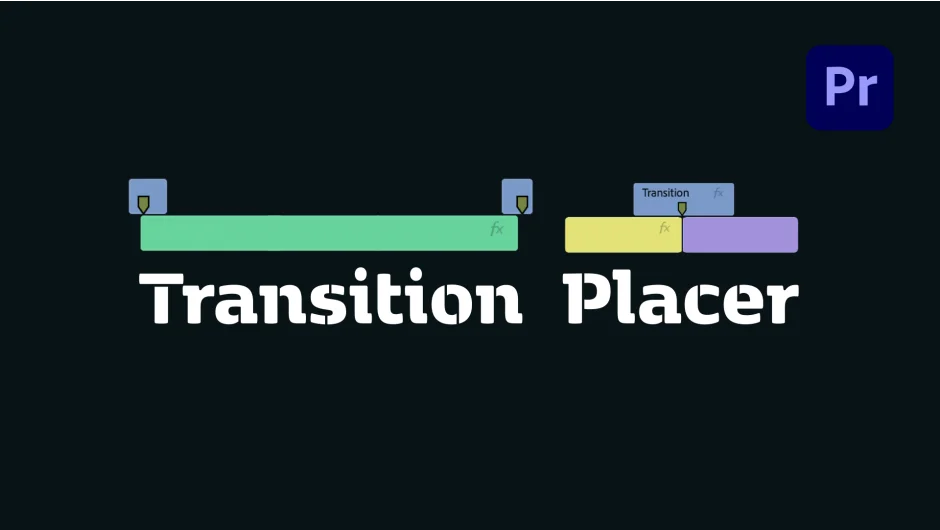
What It Does
Transition Placer automates the process of adding transitions to clips in Adobe Premiere Pro. Instead of manually dragging, aligning, and configuring each transition, the plugin handles placement with a single click.
Key Features
Marker alignment. Automatically aligns markers to clip cut points, so your transitions land exactly where they need to without manual nudging.
Full-screen transition handling. Scales transitions to fill the frame correctly, avoiding the common problem of transitions that only partially cover the edit.
Preferred blending mode. Sets a blending mode on the transition clip automatically, saving you from opening the effect controls every time.
Audio removal. Strips the audio from transition clips when needed, preventing unwanted sound bleed from overlay footage.
Spell Book integration. Added in version 1.1.0, this connects Transition Placer with Spell Book, a macro/automation system for Premiere Pro, allowing it to fit into broader automated editing workflows.
Who It’s For
Editors who frequently drop in video overlay transitions (think light leaks, glitches, or motion transitions as separate clips) will get the most out of this. The manual version of this process involves importing the clip, placing it above the cut, aligning it by hand, setting blend mode, and removing audio. Transition Placer collapses that into one click. Useful for fast-turnaround content, YouTube creators with consistent transition styles, or anyone building templated edit workflows.
Pricing
Transition Placer is a one-time purchase at $14.99, available via aescripts.com. A free trial is available to test before buying. Compatible with Premiere Pro 2024, 2025, and 2026.