
What It Does
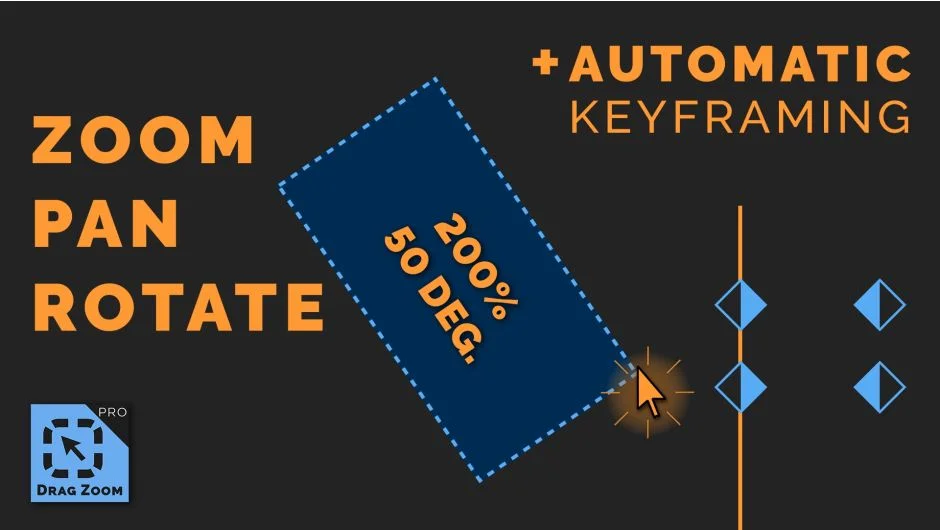
Drag Zoom Pro removes the tedium of manually adjusting position, scale, and rotation values when zooming into a clip. You draw a rectangle around the part of the frame you want to zoom into, and the extension automatically calculates and applies keyframes using Premiere Pro’s Transform effect. The result is a smooth zoom transition with natural motion blur, no number-fiddling required.
It also handles footage with higher resolution than the timeline, which normally creates problems when trying to pan and zoom in Premiere Pro.
Key Features
Click-and-drag keyframing. Draw a box on the frame, and the extension sets position, scale, and rotation keyframes automatically. Hold Shift while drawing to include rotation in the zoom.
Motion blur support. Zoom transitions include natural motion blur, giving them a polished, cinematic feel without any extra steps.
Bezier easing. Since version 1.1.7, keyframes support proper Bezier temporal interpolation, giving you control over the acceleration and deceleration of each zoom.
Recent zooms and favorites. A list of recently applied zooms lets you quickly reuse settings. Favorites can be saved for consistent looks across different projects.
Customizable duration and interpolation. Adjust the length of the zoom transition and tweak easing settings to match the pacing of your edit.
Who It’s For
Most useful for editors who frequently zoom into footage: screen recording tutorials, interview b-roll punches, gaming and stream highlight reels, and Ken Burns-style photo animations. It also works well for hiding jump cuts with a quick reframe. Editors working with 4K or higher-resolution footage in a 1080p timeline will appreciate the built-in support for over-resolution zooms.
Pricing
Drag Zoom Pro is a one-time purchase at $49.90 for a single-user license. A free trial is available from the aescripts product page. Upgrade pricing is available for existing customers (log in to check eligibility). A separate version for After Effects is sold independently.