
What It Does
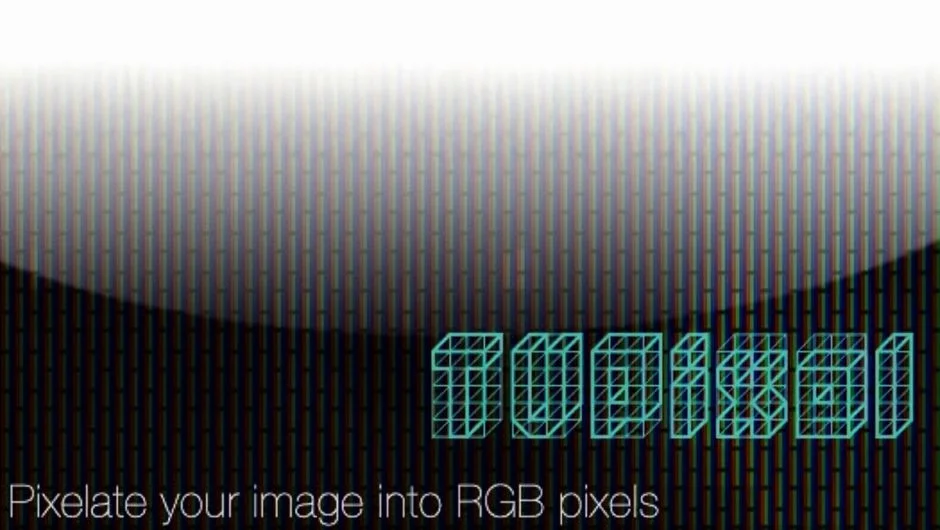
TVPixel breaks your footage down into individual red, green, and blue pixels, replicating the subpixel structure of a real TV or LCD display. The result sits somewhere between a technical simulation and an artistic effect. Apply it to footage for a convincing screen-within-screen look, or push it further as a stylized degradation effect.
It works natively in both After Effects and Premiere Pro, with no intermediate rendering required.
Key Features
RGB pixel simulation. Rather than a generic pixelation effect, TVPixel maps footage to discrete R, G, and B subpixels the way physical screens actually work. The effect holds up on close inspection.
Custom pixel gap controls. Added in version 1.0.3, this lets you adjust the spacing between pixel cells, giving you control over how tight or loose the grid appears.
32-bit floating point support. Available in After Effects only, useful when working in HDR or high-precision color pipelines.
Apple Silicon and MFR support. Version 2.7.1 added Apple Silicon compatibility for Premiere Pro and Multi-Frame Rendering support in After Effects.
Who It’s For
Useful for motion graphics artists recreating screen textures, editors adding a retro CRT or digital degradation look to titles or transitions, and anyone needing a quick but convincing LCD pixel overlay. It pairs naturally with Rowbyte’s other distortion plugins, including Bad TV and Data Glitch 2, and is available as part of the TV Distortion Bundle if you need the full set.
Pricing
TVPixel is a one-time purchase at $39.99 for a single-user license. Additional options include:
- Render-Only License at $9.99, for use on headless render machines (requires at least one full license)
- Floating License, available via the license type dropdown, for use with Rowbyte’s Floating License Server
- TV Distortion Bundle, which includes TVPixel alongside Bad TV, Data Glitch 2, Dot Pixels, and Separate RGB at a bundled price
A free trial is available for download before purchasing.