
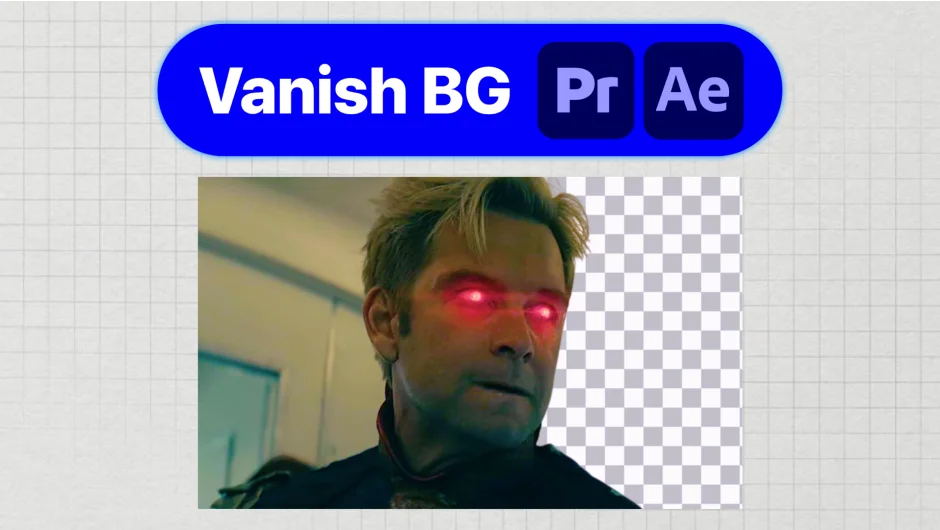
What It Does
Vanish BG removes backgrounds from image clips without ever leaving your editor. Right-click an image on your Premiere Pro or After Effects timeline, and the background is gone in seconds. No round-trips to Photoshop, no browser uploads to remove.bg, no quality loss from downsampling.
The AI processing runs entirely on your local machine, so client images never touch a third-party server. That matters for embargoed campaigns, NDA work, or any project where confidentiality is expected.
Key Features
On-timeline processing. Select an image clip on your timeline and process it without exporting or switching apps. The edit keeps rolling.
Replace in place. Swaps the original clip with the cut-out version directly on the timeline. No re-linking, no manual bin management.
Export to bin. Sends the processed image to your project panel so you can reuse it across multiple sequences.
Batch background removal. Process multiple image clips in one pass rather than one at a time.
Format support. Works with .jpg, .jpeg, .png, and .webp files.
Lossless output. Keeps the original resolution intact. No surprise downsampling between what you previewed and what you deliver.
Who It’s For
Editors who regularly drop photos into timelines and need clean cut-outs fast. Product videos, social content, lower-thirds with headshots, event recaps with sponsor logos — any project where you’re pulling images off a timeline and need the backgrounds gone without breaking your editing rhythm.
Also worth considering if you’re doing NDA or embargoed work and want to avoid uploading client assets to any web service.
Pricing
Vanish BG is a one-time purchase at $39, with no subscription and no per-image fees. A 30-day money-back guarantee is included. Compatible with Premiere Pro and After Effects CC 2022 and newer on Mac and Windows.