
What It Does
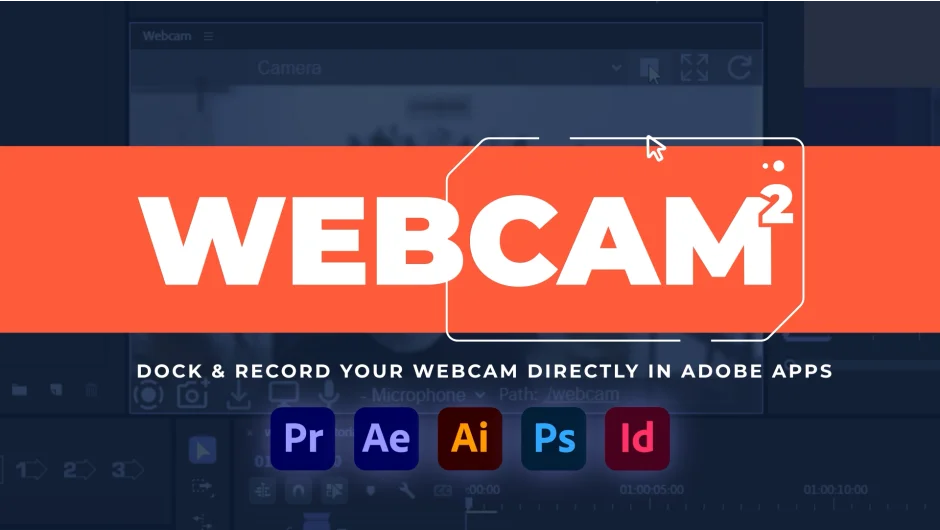
Webcam 2 is a dockable panel that brings your webcam feed directly into Adobe Premiere Pro (and other Adobe apps). Instead of relying on external screen capture software with overlays that can break mid-recording, you get a live webcam preview right inside your workspace. What you see in the panel is exactly what gets captured.
Version 2 added recording capabilities, so you can capture webcam footage and screen recordings without leaving Adobe apps.
Key Features
Dockable webcam panel. The webcam feed lives inside a standard Adobe panel, so you can position it anywhere in your workspace and keep it visible while you edit.
Dynamic resizing. Toggle between Fill mode (zooms the feed to cover the full panel) and Fit mode (shows the entire webcam frame). The feed stays centered regardless of panel size.
Webcam selection. A dropdown lets you pick from any connected webcam, useful if you have multiple cameras or virtual webcam sources.
Built-in recording. Record your webcam or screen directly from the panel. Screen recording requires Adobe CC 2025 or later. Only the primary screen can be captured due to Adobe extension limitations.
Start/stop controls. Simple buttons to start and stop the stream, with no complicated setup.
Who It’s For
Most useful for educators, streamers, or anyone who records tutorial content inside Adobe apps. It removes the friction of setting up a separate webcam overlay in OBS or other capture tools, and keeps your recording setup contained within Premiere Pro’s workspace. Also handy for editors who want a live reference of themselves while working.
Compatible with Premiere Pro 2025 and 2026, as well as After Effects, Photoshop, Illustrator, and InDesign.
Pricing
Webcam 2 is a one-time purchase at $30.00. Users who purchased Webcam 1 get version 2 as a free upgrade. Upgrade pricing may be available for prior buyers via the aescripts account portal.