
What It Does
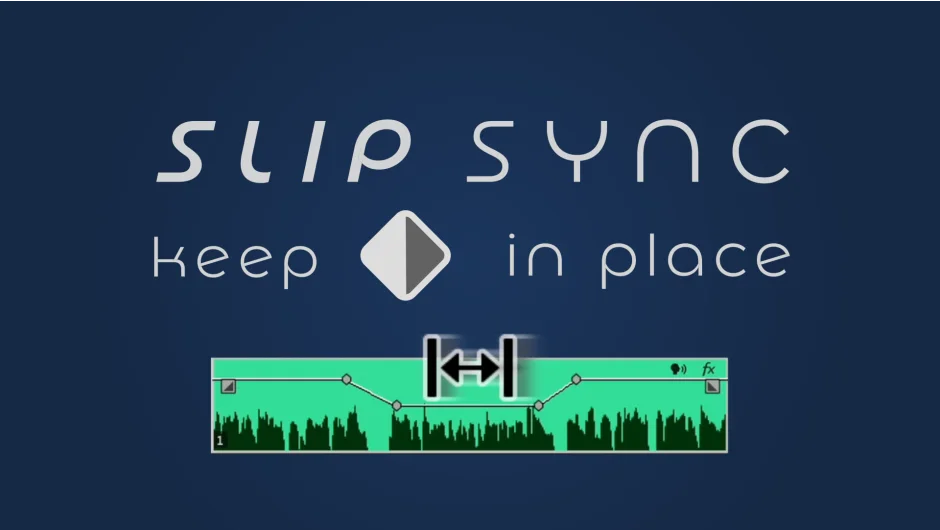
Slip Sync solves a specific but frustrating problem: when you need to offset media on a Premiere Pro clip without disturbing the keyframes attached to it. Normally, slipping media moves everything together. Slip Sync separates the two, letting you reposition the underlying footage while your keyframed animation or effect stays exactly where it is.
Note that the tool only works with Linear and Hold keyframes. Bezier keyframes are not supported.
Key Features
Media offset with keyframe lock. Slide your footage forward or backward in time independently of any keyframes on the clip. Useful when you’ve already set up position, opacity, or scale animations and need to adjust which part of the footage plays underneath.
Selectable unit types. Choose your preferred offset unit, so you can work in frames or timecode depending on the project.
In and Out point controls. Use in and out points for more precise offset adjustments rather than dragging blindly.
Who It’s For
Editors who animate clips directly on the Premiere Pro timeline and frequently need to swap out or retime the underlying footage without rebuilding their keyframe work. It’s a narrow use case, but for anyone who hits this problem regularly, it removes a genuinely tedious workaround.
Pricing
Slip Sync is a one-time purchase at $9.99, with no subscription required. Compatible with Premiere Pro 2021 through 2025.