
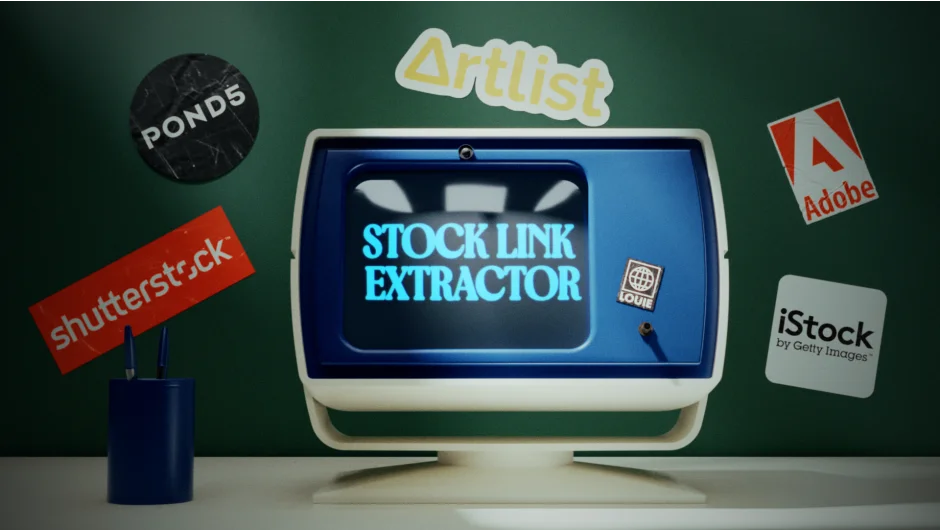
What It Does
Stock Link Extractor scans your Premiere Pro (or After Effects / DaVinci Resolve) project and pulls every stock footage preview URL into a single list. Instead of manually hunting through file names, browser history, or download folders to track down what stock clips you used, one click gives you a complete export.
Supported providers include Adobe Stock, Shutterstock, Artlist, iStock, Pond5, PremiumBeat, AudioJungle, FilmSupply, Dissolve, and Getty Images.
Key Features
Extract and export. Pulls all preview URLs from stock footage used in the project and saves them as both a TXT and XLS file. Useful when handing off a licensing list to a producer or client.
Open in browser. Opens all extracted URLs directly in your browser with one click, so you can verify sources or purchase licenses without any copy-paste work.
Copy to clipboard. Copies the full URL list to your clipboard for quick pasting into production documents, emails, or shared team notes.
Who It’s For
Editors who regularly use stock footage from multiple providers and need to deliver a licensing report to a client, producer, or legal team. Also handy for personal projects where you want to track what you still need to license before delivery.
Pricing
Stock Link Extractor uses a pay-what-you-want model on aescripts.com. You set your own price. A free trial is available before purchase. For commercial use or team and corporate licenses, paying the full suggested amount is recommended per the developer’s honor system.