
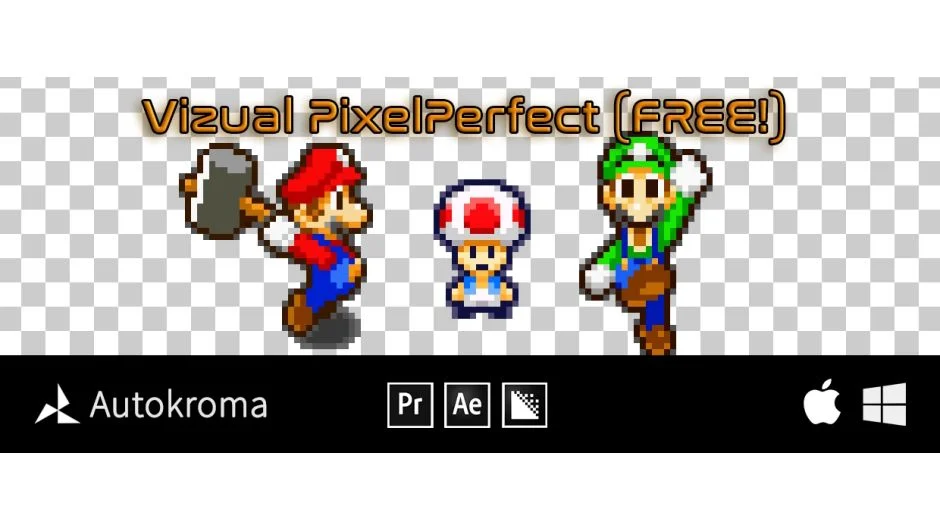
What It Does
Premiere Pro has no native nearest neighbor upscaling, which means pixel art footage gets blurry or incorrectly smoothed when scaled up. PixelPerfect is a free plugin from Autokroma that adds proper pixel art upscaling directly inside Premiere Pro and After Effects, keeping that crisp, blocky look intact.
It upscales from the center of the original image in Premiere Pro, and from the layer anchor point in After Effects.
Key Features
Three upscaling algorithms. Choose from Nearest Neighbor for the classic square pixel look, Linear Interpolation for smooth scaling, or Nearest with Antialiasing, where an Edge Blur slider lets you dial in how much softening is applied at pixel edges.
GPU acceleration in After Effects. Rendering uses Metal on macOS and CUDA or OpenCL on Windows, which keeps preview and export times reasonable even on larger compositions.
Broad compatibility. Works across Premiere Pro, After Effects, and Media Encoder from 2020 through 2026. Supports Windows 10/11 and macOS 11 (Big Sur) through 26 (Tahoe), including Apple Silicon.
Who It’s For
Anyone editing or compositing pixel art assets — game trailers, retro-style content, indie game footage, or motion graphics with pixel art elements. It solves a specific gap in Premiere Pro’s native scaling options without requiring a workaround in another app.
Pricing
PixelPerfect is completely free. No trial, no activation required. It is part of the broader Vizual collection from Autokroma, which may expand with additional paid effects over time, but the core upscaling tool has no cost.